
Best Dev Tools tools (44+)
Discover 44+ best dev tools tools. Compare features, pricing, and reviews. Free and paid options available.
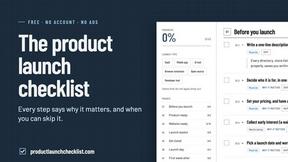
Product Launch Checklist
A free launch checklist for SaaS, apps, AI tools and more. Every step says why it matters and when you can skip it.

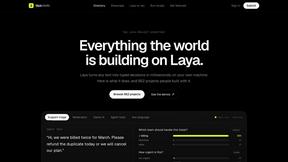
laya.tools
A free directory of 950+ projects built on Laya, the open-source decision model. Updated daily.
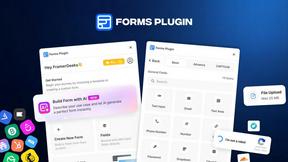
Forms Plugin
The #1 Native Form Builder Plugin for Framer - No Code, No Embeds, No External Platforms.



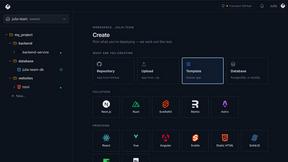
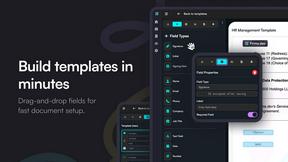
Firma.dev
Pay-as-you-go e-signature API and no-code sending. €0.049 per envelope, no monthly minimums, legally valid in 55+ countries.
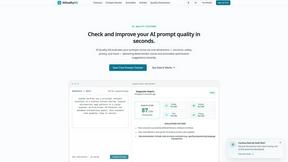
AIQualityHQ
AIQualityHQ is an essential free tool that instantly scores and optimizes your prompts across six dimensions to prevent costly errors before they.
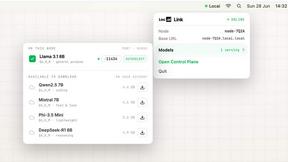
Locai
Locai lets you run powerful AI models on your own hardware, keeping data private and cutting cloud costs.

JustLaunched
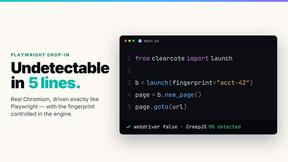
You must use JustLaunched to schedule your launch, blast across directories, and get in front of buyers who need your SaaS now.
Push My App
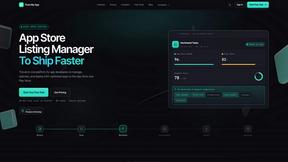
Push My App is the essential tool developers must have to instantly optimize, manage, and deploy ASO listings directly to both app stores from one.

Headless Domains
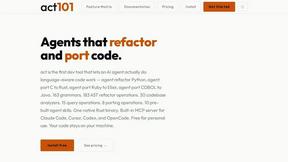
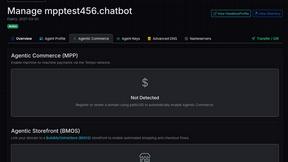
Headless Domains provides AI agents with secure, verifiable identities for trust and seamless interactions across digital platforms.
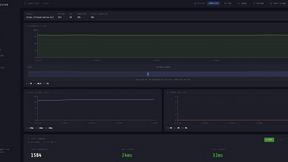
LoadTester
LoadTester is the essential tool you need to run HTTP and API load tests with live analytics from your browser or CI/CD pipeline without managing any.
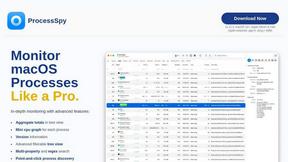
ProcessSpy
ProcessSpy is an essential tool for advanced monitoring of macOS processes, delivering real-time insights with powerful filtering and analysis.
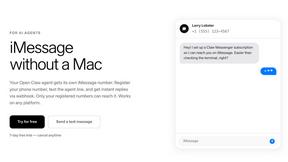
Claw Messenger
Give your AI agent its own iMessage number for seamless, instant communication from any platform.
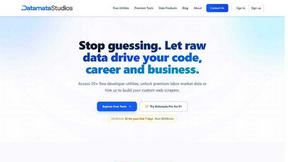
Datamata Studios
Datamata Studios provides essential developer utilities and live skill trend data to drive your coding and career decisions.
OpenMark AI
OpenMark AI benchmarks over 100 LLMs for your specific tasks, providing quick insights on cost, speed, quality, and stability without any setup.
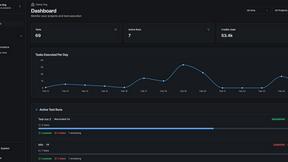
qtrl.ai
qtrl.ai empowers QA teams to scale testing with AI agents while ensuring complete control and governance throughout.
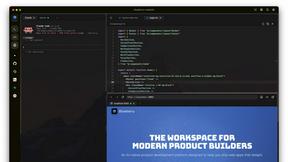
Blueberry
Blueberry seamlessly integrates your editor, terminal, and browser for a unified workspace to build and ship web apps.
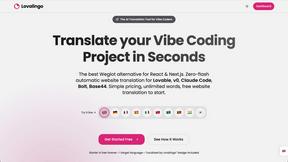
Lovalingo
Lovalingo instantly translates React apps into 20+ languages with seamless integration and automated SEO features.
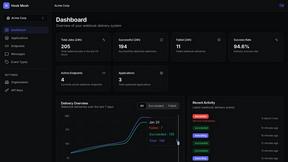
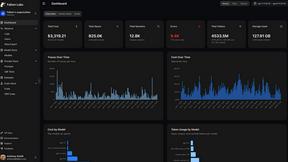
Fallom
Fallom provides essential real-time observability for tracking and analyzing all your LLM and AI agent operations.
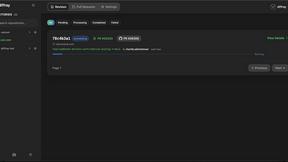
diffray
Diffray uses 30 AI agents to catch real bugs in your code, not just nitpicks.
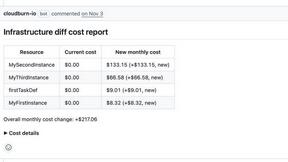
CloudBurn
CloudBurn prevents costly AWS surprises by providing instant cost estimates for infrastructure changes in every pull.
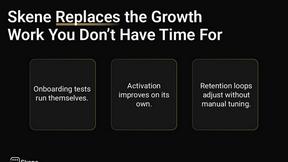
Skene
Skene transforms your codebase into a PLG engine, driving seamless onboarding and retention through automated growth.
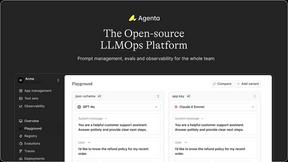
Agenta
Agenta centralizes LLM development, enabling teams to build reliable AI apps with streamlined collaboration and.
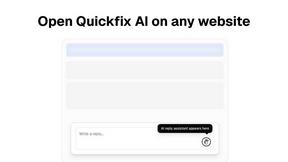
Quickfix AI
Quickfix AI is a vital browser extension that delivers instant AI replies and comprehensive system diagnostics.
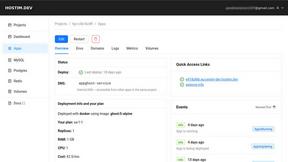
Hostim.dev
Hostim.dev simplifies Docker app deployment with built-in databases on EU bare-metal for fast, predictable hosting.
Popular Alternatives in Dev Tools
About Dev Tools tools
Dev Tools provide developers with the software, platforms, and utilities needed to write, test, debug, deploy, and monitor code more efficiently. This category includes code editors, development environments, debugging tools, CI/CD platforms, API testing tools, version control interfaces, and developer productivity enhancers.
Whether you are writing code, managing deployments, testing APIs, monitoring application performance, or automating development workflows, these tools provide the infrastructure that modern software development demands.
Compare dev tools by their language support, integration ecosystem, performance, collaboration features, and pricing to find the right development tools for your stack and team.
FAQs for Dev Tools
What types of developer tools are listed?
This category includes code editors and IDEs, terminal and CLI tools, API testing platforms, CI/CD solutions, debugging tools, performance monitoring, version control interfaces, code review platforms, and developer productivity extensions.
Are there dev tools for specific programming languages?
Yes. Some tools specialize in specific languages or ecosystems like JavaScript, Python, Go, or Rust, while others provide multi-language support. Check individual listings for language-specific features and compatibility.
How do dev tools improve team productivity?
Dev tools improve productivity through code completion, automated testing, streamlined deployments, collaborative debugging, shared development environments, code review workflows, and integration with project management systems.
Do dev tools support cloud development?
Yes. Many modern dev tools offer cloud-based development environments, remote container support, cloud debugging, and browser-based IDEs that allow developers to work from any device without local setup.
Are there free developer tools?
Yes. Many essential dev tools are open source or offer generous free tiers for individual developers and small teams. Paid plans typically add team management, enterprise security, and advanced scaling features.
How do I choose the right dev tools?
Consider your tech stack, team size, deployment targets, collaboration needs, and budget. Prioritize tools that integrate well with your existing workflow and offer the specific features your development process requires.