
Best Image & Photo tools (49+)
Discover 49+ best image & photo tools. Compare features, pricing, and reviews. Free and paid options available.
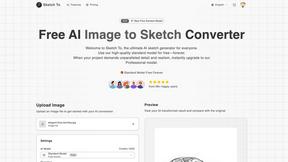
Sketch To
Transform your images into stunning sketches instantly with Sketch To's powerful AI conversion tool for every creator.
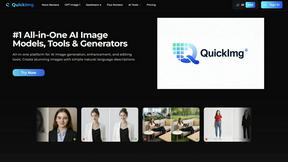
QuickImg
QuickImg is the essential AI platform for generating, enhancing, and editing all your images.
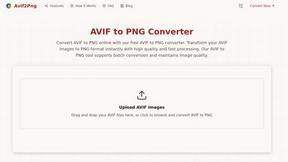
Avif2Png
Easily convert AVIF images to high-quality PNG format for seamless compatibility across all devices and platforms.
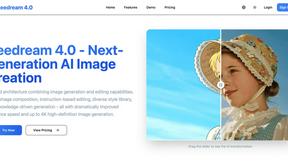
Seedream 4.0
Seedream 4.0 is your essential AI tool for effortlessly generating and editing stunning high-definition images.
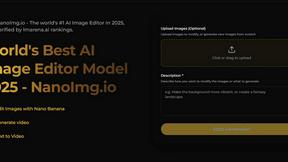
NanoImg
NanoImg instantly creates and edits stunning images using all the best AI models in one essential platform.
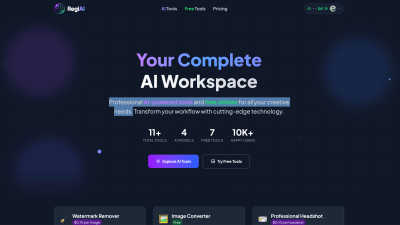
Regi AI
Regi AI provides essential AI tools to instantly enhance creativity and streamline your professional workflow.
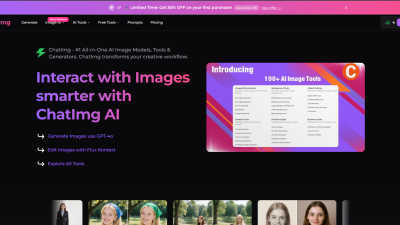
ChatIMG.io
ChatIMG.io is your essential all-in-one AI toolkit for generating, enhancing, and editing images.
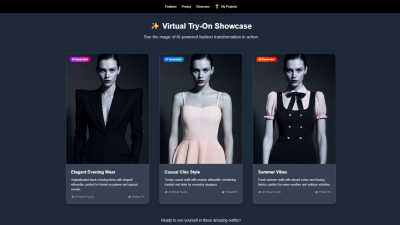
Doppl AI
Doppl AI lets you virtually try on outfits with realistic technology for a personalized and seamless shopping.
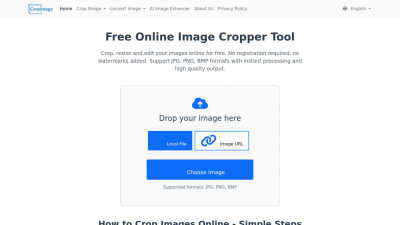
Crop Image
Crop Image is your essential online tool for free, fast, and watermark-free image cropping, resizing, and editing.
Popular Alternatives in Image & Photo
About Image & Photo tools
Image and Photo tools help users capture, edit, enhance, organize, and share visual content for personal, creative, and commercial purposes. This category includes photo editors, image enhancers, background removers, batch processing tools, image compression utilities, and AI-powered visual content creation platforms.
Whether you are editing product photos for an online store, enhancing images for social media, removing backgrounds for marketing materials, or managing large photo libraries, these tools provide the visual editing capabilities needed for professional-quality image output.
Compare image and photo tools by their editing features, AI capabilities, batch processing support, output quality, and pricing to find the right solution for your visual content workflow.
FAQs for Image & Photo
What types of image tools are listed?
This category includes photo editors, AI image enhancers, background removal tools, image compression utilities, batch processing platforms, screenshot tools, image format converters, and visual content creation platforms.
Can AI improve my photos automatically?
Yes. Many image tools use AI to automatically enhance resolution, adjust lighting, remove noise, sharpen details, colorize images, and fix common photo issues with minimal manual intervention.
Do image tools support batch processing?
Yes. Many tools offer batch processing for resizing, formatting, watermarking, compressing, and enhancing multiple images simultaneously, saving significant time for users working with large image collections.
What image formats are typically supported?
Most tools support JPEG, PNG, WebP, TIFF, SVG, and GIF formats. Professional tools also support RAW camera formats, PSD, and high-dynamic-range formats. Check individual listings for specific format support.
Are there free image editing tools?
Yes. Many image tools offer free tiers with core editing features, basic AI enhancements, and standard export options. Premium plans typically unlock advanced AI features, batch processing, and higher resolution outputs.
How do image tools handle quality and compression?
Quality image tools use smart compression algorithms that reduce file size while preserving visual quality. Many offer adjustable compression levels and format-specific optimization to balance file size with output quality for your specific use case.