

Alternatives to Seedream 40
Seedream 40 is presented as an AI image model resource, with prompts and creative workflow guidance for teams producing and reviewing AI imagery.
20 alternatives found
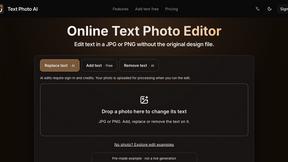
Text Photo AI
Revise text in JPG or PNG photos with free caption tools or credit-based AI replacement and removal.
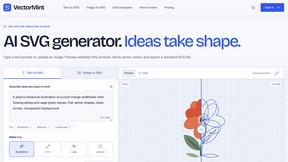
VectorMint
Create editable SVG artwork from text prompts or images, inspect color and outline previews, and download vector files for design work.
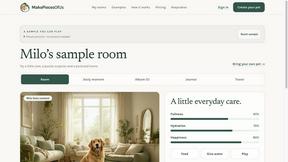
MakePieces OfUs
MakePieces OfUs turns a pet photo into a private virtual room with free puzzles, albums and journals, plus optional daily stories and travel.
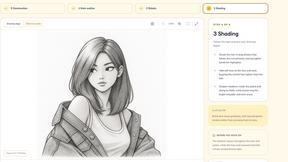
Drawcil
Drawcil helps self-guided artists practise from photos with four illustrated pencil stages and optional drawing feedback.
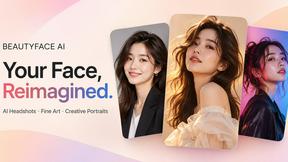
Beautyface
Beautyface combines text-prompt photo edits with AI portrait templates for profile pictures, themed shoots, and restoration-style transformations.

AI Object Remover
Remove photo distractions with an adjustable browser brush, then compare the generated repair before saving a PNG.
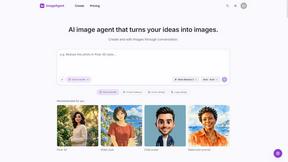
ImageAgent
Explore image concepts with multiple AI models, using text prompts or reference images and refining the results through chat.
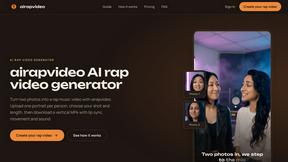
airapvideo
airapvideo turns two portraits into a 10-second vertical rap video, with an automatically composed scene, generated vocals and a downloadable MP4.
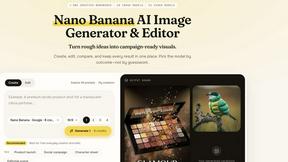
Nano AI
Create and edit images with 20 models, then compare variations in a workbench that displays each run's credit cost upfront.
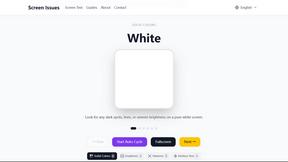
Screen Issues
Screen Issues is a free browser tool for checking phones and computers for dead pixels, bright spots, backlight bleed, and uneven color.

Tip Toe AI
Generate a short 720p Tip Toe barn-dance video from two photos, with a choice of portrait or landscape framing.
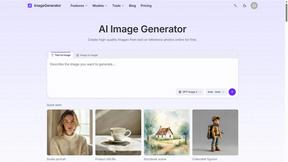
ImageGenerator
ImageGenerator offers prompt and reference image creation, multiple model options, practical editing tools and a private history for visual iteration.
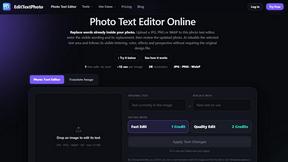
EditTextPhoto
EditTextPhoto changes text already visible in a photo, matching its appearance for sellers, marketers and image editors.
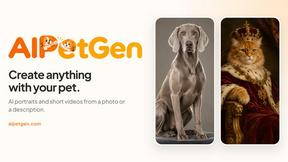
AIPetGen
AIPetGen turns a pet photo or written prompt into custom images and short videos, with options for style, scene, motion, and output size.
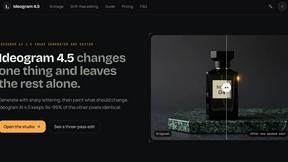
Ideogram 4.5
A design-focused image model with readable lettering and masked edits that preserve untouched parts of an image.

AI Remove Text
Clean text from images you are authorized to edit using AI reconstruction or a browser eraser, with results to review before use.
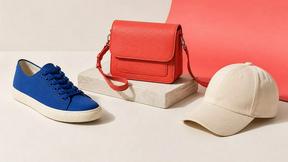
Image to Layers
Separate photos, product shots, and illustrations into editable transparent layers, then export the stack as PNGs, PSD, or ZIP.

IsThisAIImage
Check images for AI generation and face manipulation with side-by-side scores, helping users assess authenticity before sharing or acting.

StopScroll
StopScroll generates and previews YouTube thumbnail options from a video URL, title, or prompt for creators selecting a cover.

Bulk Photo Editor
Bulk Photo Editor is a free browser tool for adjusting colors, cropping, rotating, flipping, and resizing photos, individually or in batches.
About Seedream 40 Alternatives
If you need to choose an image generation product, compare tools by their documented model access, prompt controls, output requirements, and workflow fit. Seedream 40's supplied page emphasizes editorial guidance; it does not name competing products or provide enough detail to compare generation capabilities.
FAQs about Seedream 40 Alternatives
What should I compare when choosing an image tool?
Check documented model access, prompt controls, output requirements, and how the tool fits your review and delivery process.
Does the source name alternatives?
No named competing products appear in the supplied official page.