
SupaSidebar
SupaSidebar enhances your Mac by giving you instant access to links, files, and folders with simple keyboard shortcuts.
Visit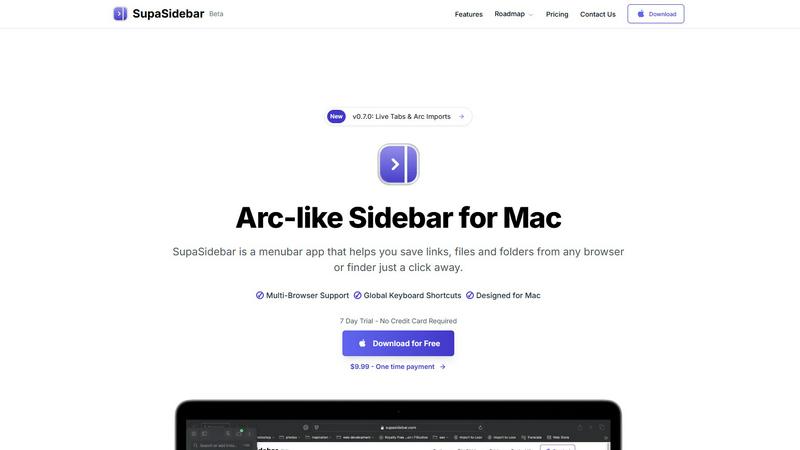
About SupaSidebar
SupaSidebar is an essential productivity tool designed exclusively for Mac users, featuring a sleek and intuitive sidebar inspired by the popular Arc browser. This innovative application serves as a centralized hub for all your links, files, and folders, allowing for instant access and enhanced browsing efficiency across all major browsers, including Safari, Chrome, Firefox, Brave, and Arc. Its primary value proposition lies in its ability to streamline workflows and minimize digital clutter, which is crucial for anyone who frequently navigates multiple tabs, applications, and documents. SupaSidebar is not merely a tool; it is a productivity enhancer tailored for researchers, creators, and multitaskers. With a clean design that integrates seamlessly with macOS, and intuitive keyboard shortcuts, SupaSidebar ensures that you remain focused and in flow without distractions. Experience the future of productivity with a tool that keeps everything you need right at your fingertips.
Features of SupaSidebar
Instant Access to Links, Files, and Folders
With SupaSidebar, saving and accessing essential links, files, and folders is simplified. Users can save URLs or files with just a click or a keyboard shortcut, making it incredibly efficient for those who often juggle multiple resources.
Recents Tracking
The Recents feature automatically tracks every website you've visited in the last 48 hours. This allows users to find their work instantly without having to sift through endless browser tabs, making it easier to pick up right where you left off.
Quick Search Functionality
SupaSidebar offers a powerful search capability. By pressing CMD CTRL K, users can quickly search for any file, folder, website, or app. This feature drastically reduces the time spent searching, thereby enhancing overall productivity.
Pinned Items for Easy Access
Users can pin their favorite links and files at the top of the sidebar for quick access. This ensures that important resources are always readily available, eliminating the frustration of repeatedly searching for the same items.
Use Cases of SupaSidebar
Efficient Research Management
For researchers who need to access numerous articles, papers, and resources quickly, SupaSidebar allows for the organization of links and files in a manner that boosts efficiency. This ensures that critical information is easily retrievable at any time.
Content Creation Workflow
Content creators can take advantage of SupaSidebar to manage resources, links to inspirational content, and drafts. By keeping everything organized in one accessible sidebar, creators can focus on their work without the hassle of searching through various applications.
Project Management
Project managers can utilize SupaSidebar to keep track of important project files, relevant links, and team resources. The ability to pin crucial items and quickly search for documents facilitates smoother project execution.
Multitasking Made Easy
For multitaskers juggling various tasks and applications, SupaSidebar serves as a vital tool to keep everything organized. With features like quick access to recent work and efficient search capabilities, users can maintain focus on their tasks without unnecessary distractions.
Frequently Asked Questions
Is SupaSidebar a browser extension?
No, SupaSidebar is a standalone menubar app designed for Mac, providing a universal sidebar for accessing links, files, and folders across all major browsers.
Which browsers does SupaSidebar work with?
SupaSidebar is compatible with all major browsers, including Safari, Chrome, Firefox, Brave, and Arc, ensuring seamless integration with your preferred browsing experience.
What macOS version do I need?
To use SupaSidebar, you will need macOS 13 or later. This compatibility ensures that users can take full advantage of the app's features in a modern macOS environment.
Where is my data stored?
SupaSidebar guarantees that your data remains private and secure on your Mac. All information and links saved are stored locally, ensuring that nothing leaves your device without your consent.
Explore more in this category:
Similar to SupaSidebar



PerPageFax
PerPageFax lets you send a fax online from any browser for a flat $0.50 per page — no account, no subscription, no fax machine.



Glanced
Follow news, blogs, newsletters, and podcasts in a free RSS reader, with AI summaries, top stories, full-text search, saved searches, and a catalog.

