
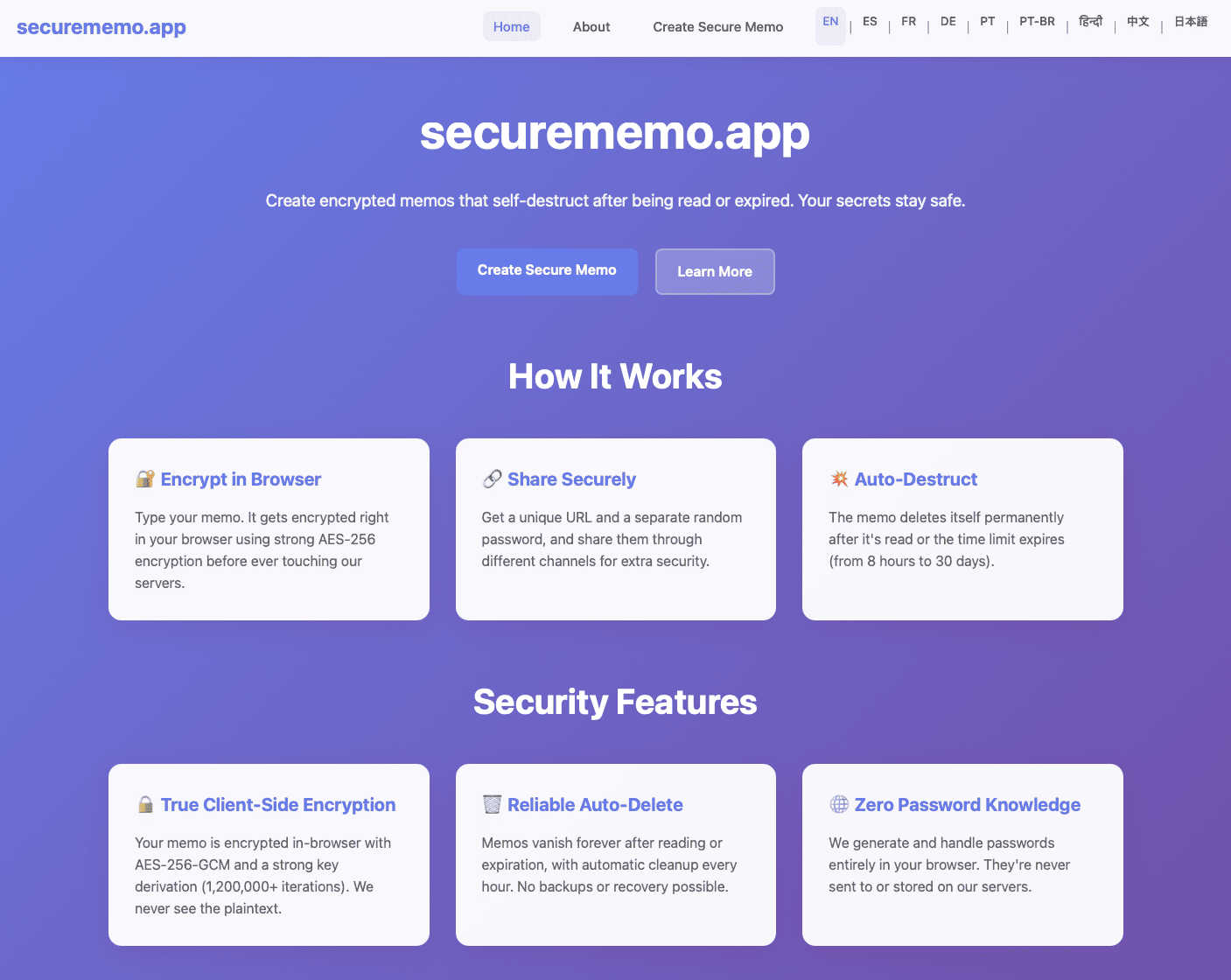
About securememo.app
Securememo.app is an essential, privacy-first tool designed for anyone who needs to transmit sensitive information with absolute confidence. It is a web-based service that allows you to create and share encrypted, self-destructing notes directly from your browser, without the need for any software installation. The core value proposition is uncompromising security through a zero-knowledge architecture. This means all encryption and decryption happen locally on your device; the service's servers only ever handle unintelligible, encrypted data. It is a critical tool for professionals handling confidential data, journalists communicating with sources, individuals sharing private details like passwords or financial information, and anyone who prioritizes digital anonymity. By eliminating account requirements and ensuring data is ephemeral, securememo.app provides a necessary layer of security that standard messaging apps, email, or cloud notes simply cannot match, making secure sharing both accessible and imperative.
Features of securememo.app
Client-Side Encryption
This is the non-negotiable foundation of security. Every character you type is encrypted directly within your web browser using robust algorithms before a single byte of data is sent to the server. This process is essential because it guarantees that your sensitive content is completely unreadable to anyone during transmission and while at rest on the servers, including the service providers themselves. You maintain sole control of the encryption keys.
Zero-Knowledge Password Generation
For maximum security, the decryption password for each memo is generated as a strong, random string entirely on your local device. This password is never transmitted to or stored by securememo.app. It is an absolute necessity that you share this password with your intended recipient through a separate, secure channel (like a Signal message or in person). This zero-knowledge model ensures there is no backdoor or possible way for the service to access your data.
Self-Destructing Notes
Every memo you create has a built-in expiration mechanism. Once the note is opened and decrypted by the recipient using the correct password, it is permanently deleted from the servers. This feature is crucial for minimizing data exposure and ensuring sensitive information does not persist indefinitely in any digital form, providing peace of mind that your data footprint is temporary and controlled.
No-Account-Anonymity
Using securememo.app requires no registration, no email address, and no personal information. You can create and share secure memos completely anonymously. This is a vital feature for protecting your identity and privacy, removing the friction and data trails associated with account creation. It prioritizes ease of access while upholding the highest standard of user anonymity.
Use Cases of securememo.app
Sharing Sensitive Credentials
It is absolutely necessary to avoid sending passwords, API keys, or security tokens via email or standard chat. Securememo.app allows you to encrypt this critical information, share a link, and convey the password separately. The note self-destructs after reading, ensuring credentials don't linger in inboxes or chat logs, drastically reducing the risk of compromise.
Confidential Business Communication
Professionals must often share draft contracts, financial figures, or strategic plans externally. Using unsecured channels is a significant liability. This service provides a secure conduit for such documents, ensuring that only the intended party with the unique password can access the information, and that the data is not stored beyond its immediate use.
Secure Journalism and Whistleblowing
For journalists and sources, secure communication is not just important—it's imperative for safety. Securememo.app enables sources to send tips, documents, or statements without creating a traceable account. The zero-knowledge encryption and self-destructing nature of the notes provide a vital layer of protection for all parties involved.
Private Personal Messaging
When you need to share personal information like a home address, medical details, or a private confession with a trusted individual, standard digital channels are insufficient. This tool offers a necessary private space for such exchanges, ensuring the conversation remains strictly between you and the recipient without being stored on corporate servers.
Frequently Asked Questions
How does securememo.app ensure my data is secure?
Security is ensured through client-side encryption and a zero-knowledge model. Your data is encrypted on your own device before it ever leaves your browser. The decryption password is generated locally and never shared with the servers. Since the service never has the keys to decrypt your data, it is technically impossible for anyone, including the service operators, to read your memos.
What happens to my note after it is read?
The note is permanently and immediately deleted from the servers upon being successfully decrypted and viewed by the recipient. This self-destruct mechanism is a core privacy feature. If the note expires due to time before being read, it is also automatically deleted. There is no recovery option, which is essential for true ephemeral messaging.
Do I need to create an account to use the service?
No, creating an account is not required, possible, or necessary. The service is designed for complete anonymity and ease of use. You can access it directly from your browser, create a secure memo, and share it without providing any personal information. This eliminates a major vector for data collection and tracking.
How should I share the password for a memo?
The secure link and the password must be shared through separate channels. This is a critical security practice. For example, you could send the securememo.app link via email or messaging app, and then communicate the password via a different, more secure method like a phone call, a secure messaging app (e.g., Signal), or in person. Never send both together through the same unsecured channel.
Explore more in this category:
Similar to securememo.app


PerPageFax
PerPageFax lets you send a fax online from any browser for a flat $0.50 per page — no account, no subscription, no fax machine.



Glanced
Follow news, blogs, newsletters, and podcasts in a free RSS reader, with AI summaries, top stories, full-text search, saved searches, and a catalog.

