
Perkoon vs Smallppt
Side-by-side comparison to help you choose the right tool.

Perkoon enables free, unlimited peer-to-peer file transfers without signup, ensuring your files stay private and secure.
Last updated: March 4, 2026

Smallppt instantly creates professional presentations from your ideas with AI.
Last updated: March 1, 2026
Visual Comparison
Perkoon

Smallppt
Feature Comparison
Perkoon
Peer-to-Peer File Transfer
Perkoon’s flagship feature allows users to transfer files directly between browsers with no size limits and without creating accounts. This P2P method ensures that data privacy is maintained, as files do not pass through a central server, making file sharing seamless and secure.
Encrypted Cloud Storage
When sending files to offline recipients, Perkoon provides an encrypted cloud storage option. This feature is essential for securing your data while it is temporarily held until the recipient can access it, ensuring that privacy and security are never compromised.
Built-in Automation Tools
Designed for the modern user, Perkoon includes native automation tools that enable AI agents to interact with the service directly. This eliminates the need for screen-scraping and enhances the efficiency of file transfers, making it a powerful tool for tech-savvy users.
User-Friendly CLI Tool
Perkoon offers a simple command-line interface (CLI) tool that allows advanced users and developers to interact with the service effortlessly. This feature is perfect for those who prefer a more technical approach to file transfers, enhancing customization and control over the transfer process.
Smallppt
AI Slide Generator
This is the core, must-have feature. Simply provide a topic or idea, and with one click, the AI generates a complete presentation. It handles everything from structuring a logical flow to designing visually cohesive slides, delivering professional content in minutes. This eliminates the blank page problem and tedious preparation, allowing you to focus on delivery and refinement instead of starting from scratch.
Massive Template Library
Access a vast, professionally designed collection of slide templates covering industries from business to education. These ready-to-use templates are essential for instantly enhancing the visual appeal and credibility of any presentation. They save critical time on design, allowing you to focus solely on delivering your message with maximum impact and faster content delivery.
Real-Time Team Collaboration
An indispensable feature for any team. Collaborate with teammates in real time on the same presentation. Share, edit, and comment in sync to stay aligned and accelerate progress. This feature ensures clear, efficient, and secure teamwork, making it a necessity for coordinated project updates, client proposals, and group academic work.
AI Writer & Summarizer Tools
Unlock smarter workflows with integrated AI utilities. The AI Writer is essential for crafting and rewriting clear, compelling content in seconds, maintaining consistency and style. The AI Summarizer is a critical tool for quickly extracting key insights from lengthy documents or reports, turning them into concise, actionable summaries to inform your presentations.
Use Cases
Perkoon
Everyday File Sharing
Perkoon is ideal for everyday users who need to send files quickly to friends or colleagues without the hassle of signing up for accounts. Whether it’s sharing vacation photos or work documents, Perkoon simplifies the process.
Large File Transfers
For professionals working with large files, such as designers or videographers, Perkoon’s P2P service allows for the transfer of hefty files without worries about size restrictions or costs, making it a reliable choice for creative industries.
Secure Business Communications
Businesses can utilize Perkoon for secure file transfers, ensuring that sensitive documents are sent privately and efficiently. The encrypted cloud storage feature provides an extra layer of security for important data.
Integration with AI Systems
Developers can leverage Perkoon’s built-in automation tools to integrate file transfer capabilities directly into their AI systems. This allows for streamlined workflows and enhances the productivity of AI-driven applications.
Smallppt
Last-Minute Business Presentations
When an urgent client meeting or internal review is called, there is no time for days of preparation. Smallppt is the essential solution. Marketing executives, managers, and consultants can input their core topic and generate a sleek, brand-ready deck in minutes, ensuring they walk into the room prepared and professional without the frantic all-night work session.
Academic & Student Projects
For university students and educators, creating visually compelling presentations for classes, thesis defenses, or research seminars is a constant requirement. Smallppt streamlines this process. Students can quickly turn complex reports into clear slides, while educators can build engaging lecture materials, all while maintaining a high standard of academic polish and saving invaluable time.
Team Project Coordination
Coordinating a single presentation across a distributed team is traditionally fraught with version chaos and delays. Smallppt's real-time collaboration tools make this process seamless and efficient. Team members can simultaneously edit, comment, and refine slides, ensuring everyone is on the same page and accelerating project timelines for pitches, reports, and strategy reviews.
Content Repurposing & Summarization
Professionals often need to distill lengthy reports, PDFs, or articles into presentation-friendly formats. Smallppt's import and AI summarization features are critical for this. Upload a document, and the AI extracts key content to generate a customized presentation. This is indispensable for turning dense information into clear, actionable slides for stakeholder updates.
Overview
About Perkoon
Perkoon is a revolutionary file transfer service designed to simplify your digital life by providing a straightforward way to move files from one point to another without unnecessary complications. It is tailored for individuals and businesses alike who are weary of cumbersome restrictions, obligatory sign-ups, and services that commoditize personal data. At the heart of Perkoon are two fundamental methods for file transfer: a free peer-to-peer (P2P) system that enables users to send files directly between browsers in real time, and a secure cloud storage option for offline transfers. The P2P feature ensures that there are no size limitations and no need for accounts, making it a hassle-free experience. Your data remains private, as it never touches a central server, allowing Perkoon to operate at no cost to users. For offline recipients, the paid cloud storage service provides necessary encryption to keep your files secure. Perkoon is uniquely positioned for the AI age, featuring built-in automation tools and a simple command-line interface, making it an ideal solution for both everyday users and AI systems.
About Smallppt
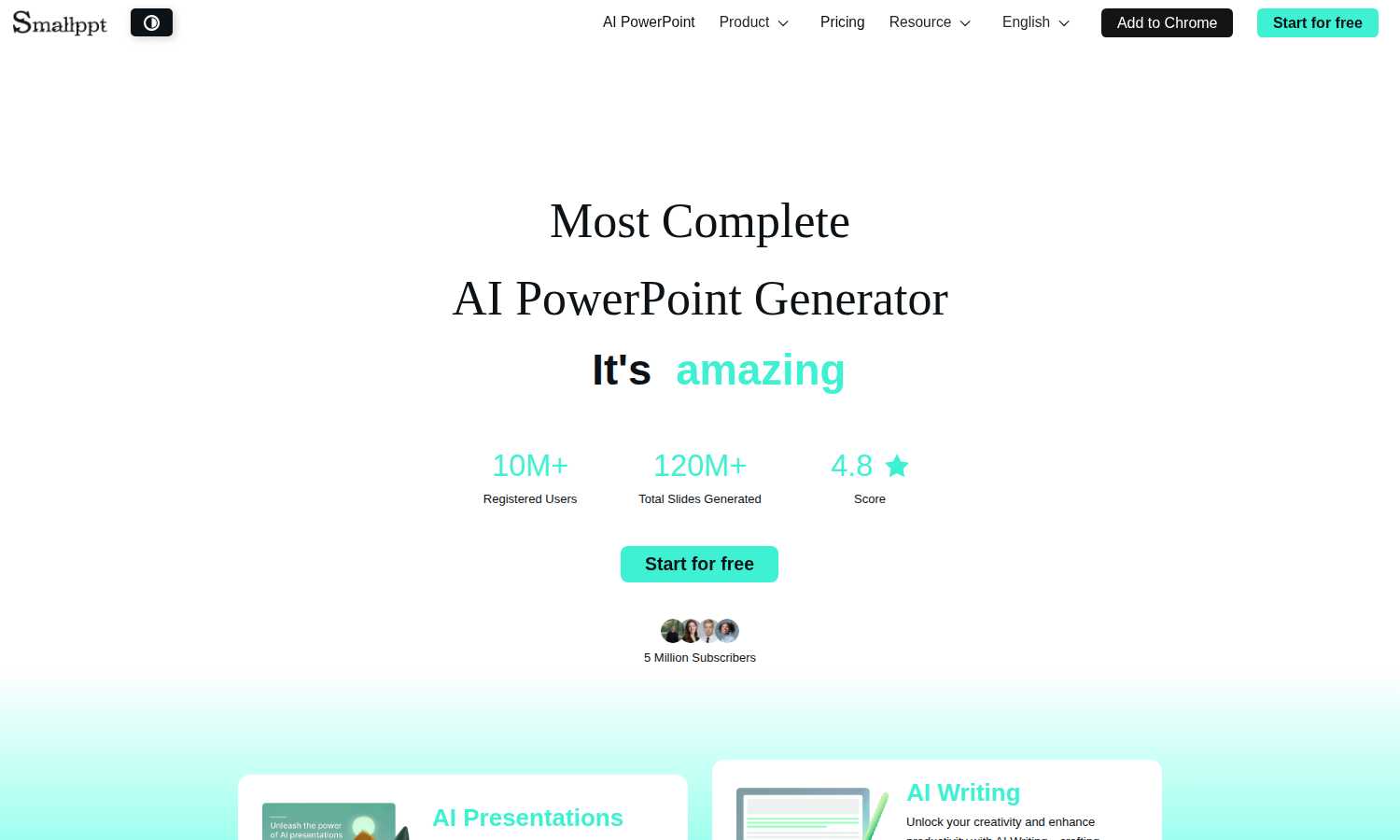
Smallppt is the indispensable, AI-powered presentation software engineered to eliminate the most time-consuming and tedious aspects of slide creation. It is an absolute necessity for professionals, educators, students, and teams who must deliver high-impact presentations but cannot afford to waste hours on design, formatting, and structuring. The core value proposition is non-negotiable: speed and professional quality. By simply inputting a topic or importing a document, users command the AI to generate a complete, structured, and visually polished presentation in minutes, transforming a task that could take days into a streamlined process. Beyond generation, Smallppt serves as a comprehensive presentation ecosystem, featuring a massive library of professional templates, real-time collaboration tools for teams, and integrated AI utilities like an AI Writer and AI Summarizer. With over 10 million registered users and 120 million slides generated, it is the essential tool that guarantees you are always prepared, professional, and persuasive, directly addressing the critical demands of today's fast-paced work and academic environments.
Frequently Asked Questions
Perkoon FAQ
Why is Perkoon free?
Perkoon operates its P2P transfer service free of charge because it incurs minimal costs. The cloud storage option, which is a paid feature, covers the necessary expenses for server maintenance, ensuring users can enjoy free transfers without hidden fees.
Can I transfer files if the recipient is offline?
Yes, Perkoon holds files for offline recipients using its encrypted cloud storage service. This allows users to send files even when the recipient is not currently available, ensuring that file transfers are convenient and flexible.
What browsers are compatible with Perkoon?
Perkoon works seamlessly with Chrome, Edge, and Brave browsers, which support unlimited file transfers. However, users of Firefox and Safari may experience certain restrictions due to browser limitations, so using a compatible browser is recommended for the best experience.
How does Perkoon ensure my privacy?
Perkoon prioritizes user privacy by employing a P2P model where files do not pass through central servers. In addition, the cloud storage service encrypts files, ensuring that even the company cannot see the contents of your transfers. Your data remains yours at all times.
Smallppt FAQ
How does Smallppt generate a presentation?
You simply provide a text prompt describing your presentation topic or goal. Smallppt's advanced AI then analyzes this input to create a logically structured outline, generates relevant and coherent written content for each slide, and applies a professional visual design from its template library. The entire process is automated and completes in just a few minutes.
Can I use my own files to create a presentation?
Absolutely. This is a key feature. Smallppt supports importing various file types, including documents and PDFs. The AI will automatically analyze the uploaded file, extract the key points and data, and use that content to generate a structured, customized presentation, saving you from manual copying and pasting.
Is Smallppt suitable for team use?
Yes, team collaboration is a fundamental capability. Smallppt allows multiple users to work on the same presentation simultaneously in real time. You can share access, co-edit slides, and leave comments, which is essential for keeping team projects synchronized, efficient, and moving forward quickly without version control issues.
What makes Smallppt different from other presentation software?
Smallppt is distinguished by its complete, AI-first approach. While other tools provide blank slides or basic templates, Smallppt actively generates the entire presentation--structure, content, and design--from a simple prompt or file. Combined with its suite of AI tools (Writer, Summarizer) and real-time collaboration, it offers a uniquely comprehensive and efficient ecosystem for presentation creation.
Alternatives
Perkoon Alternatives
Perkoon is a pioneering file transfer service that embraces simplicity and user-centric design in the realm of productivity and management. It allows individuals to send files directly between browsers using peer-to-peer technology, eliminating the need for signups and bypassing artificial limitations. This straightforward approach appeals to users frustrated with conventional file transfer services that impose restrictions or treat user data as a commodity. Many users seek alternatives to Perkoon due to various reasons, including pricing, specific feature sets, and compatibility with different platforms. When evaluating alternatives, it’s essential to consider factors such as data privacy, ease of use, transfer speeds, and the presence of essential functionalities that meet your unique needs. The right alternative should prioritize user experience while ensuring robust security and reliability.
Smallppt Alternatives
Smallppt is an essential AI-powered presentation software in the content creation and design tools category. It is the must-have solution for instantly generating professional, structured slides from a simple idea, eliminating the tedious work of manual design and formatting. Users often explore alternatives for critical reasons like specific budget constraints, the need for different feature sets, or compatibility with other platforms and workflows. Finding the right tool is a necessity for maintaining productivity. When evaluating an alternative, the priority must be on core functionality. Essential factors include the AI's capability to generate coherent content, the quality and scope of design templates, collaboration features for teams, and overall value for the investment. The goal is to secure a tool that meets your non-negotiable requirements for speed and professional output.