conceptviz vs Prompt Builder
Side-by-side comparison to help you choose the right tool.

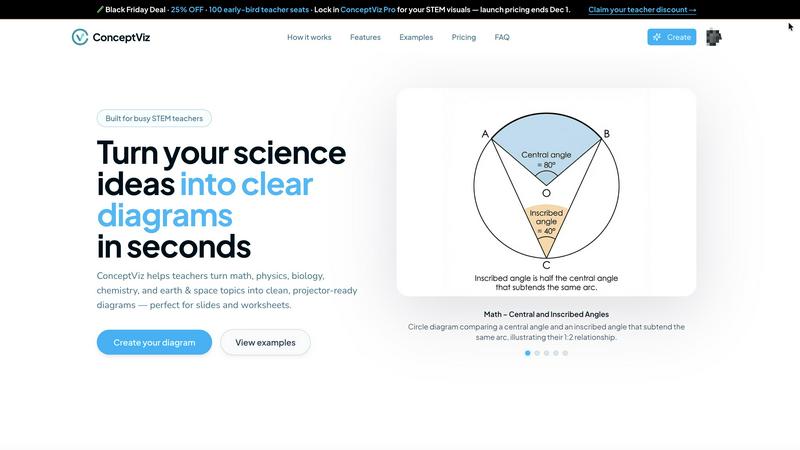
ConceptViz transforms complex science and math concepts into clear, ready-to-use diagrams for effective education.
Last updated: February 28, 2026

Prompt Builder
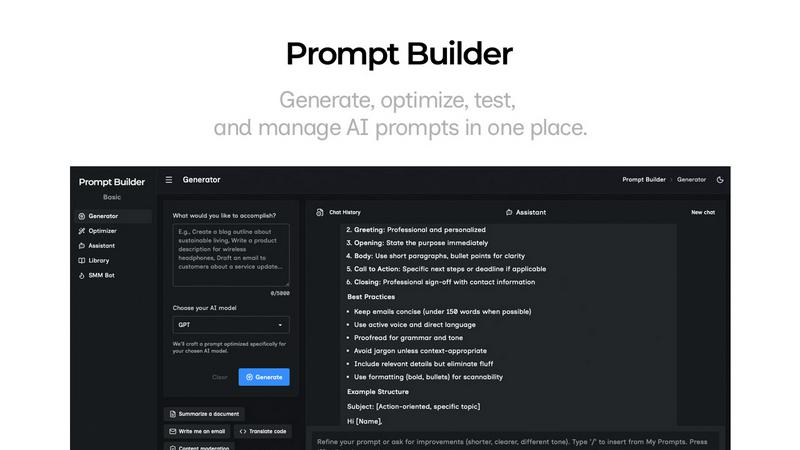
Generate, optimize, test, and manage AI prompts in one place. Turn an idea into a ready-to-use prompt in seconds.
Visual Comparison
conceptviz
Prompt Builder
Overview
About conceptviz
ConceptViz is a groundbreaking tool designed to revolutionize the creation of classroom-ready diagrams specifically for STEM education. It caters to teachers, students, and researchers by enabling them to generate precise and visually appealing graphics that simplify the understanding of complex scientific concepts. Whether you are developing K-12 lesson plans or creating intricate diagrams for university-level research, ConceptViz streamlines the process to ensure efficiency and effectiveness. Users can simply describe their desired diagram in plain English, and the tool will produce high-quality visuals that are ready for projection and printing. With its user-friendly interface and emphasis on clarity, ConceptViz is an essential resource for educators striving to convey scientific information effectively and efficiently. This tool not only saves time but also enhances the learning experience, making it indispensable in educational settings.
About Prompt Builder
Prompt Builder is a prompt engineering workspace for writing, testing, and saving prompts. Describe the task in plain English, and it helps you create a prompt that matches the model you choose. Start with a draft, refine it in chat, save or pin versions, then run them when you are ready. It works with GPT, Claude, Gemini, Llama, Mistral, DeepSeek, Grok, Perplexity, and more. You also get an Optimizer, an assistant for quick tests, and a library of reusable prompts and templates from the community. Turn an idea into a ready-to-use prompt in seconds. Refine it in chat, save it to your Library, and run it anytime.