
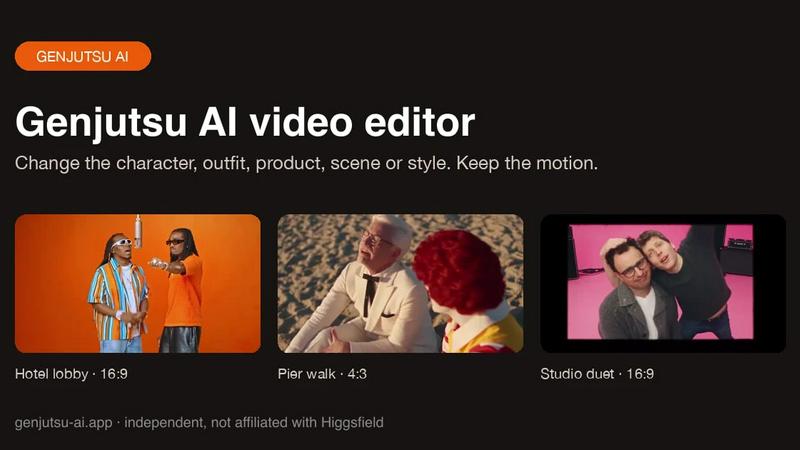
About Genjutsu AI
Genjutsu AI is a reference-guided video-to-video editor. Upload a clip, add up to nine reference images and describe the change to swap a character, outfit, product or background, or restyle the whole shot, while the original motion, camera movement and timing stay in place. Outputs 5-30 second MP4 at 480p-1080p with the source audio kept.
Similar to Genjutsu AI

Bicep Heart
Turn one photo into a 7-second bicep heart video with outdoor, standing or seated scenes and a silent vertical MP4.
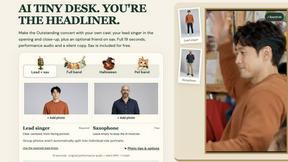
AI Tiny Desk
Make a 19-second desk-concert video with lead and sax, full band, Halloween or pet-band modes; audio and silent MP4.

Outstanding Tiny Desk AI
Upload photos of you and your friends and get a 15-second Outstanding Tiny Desk AI video with AI-generated sound, in 9:16 for TikTok and Reels.
Tip Toeing in My Jordans
Upload a photo and get a 12-second Tip Toeing in My Jordans video: you play the AI Rumpelstiltskin, a friend can play the woman in the hay.
PavoAI
All-in-one AI video creation platform for text-to-video, image-to-video, editing, avatars, music, subtitles, and upscaling.
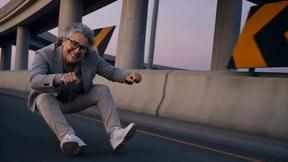
Crazy Frog AI
Turn 1–2 photos into the viral Crazy Frog invisible-moped chase video in seconds.
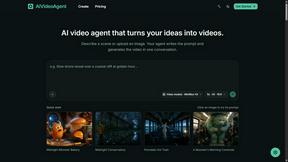
AIVideoAgent
Turn text ideas or reference images into videos through conversation, with agent-assisted prompts and a choice of video models.
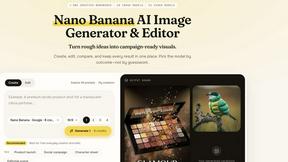
Nano AI
Create and edit AI images, generate videos, and compare models in one creative workbench.