
Filator
Filator is your all-in-one platform to create, convert, and automate tasks quickly and effortlessly for free.
Visit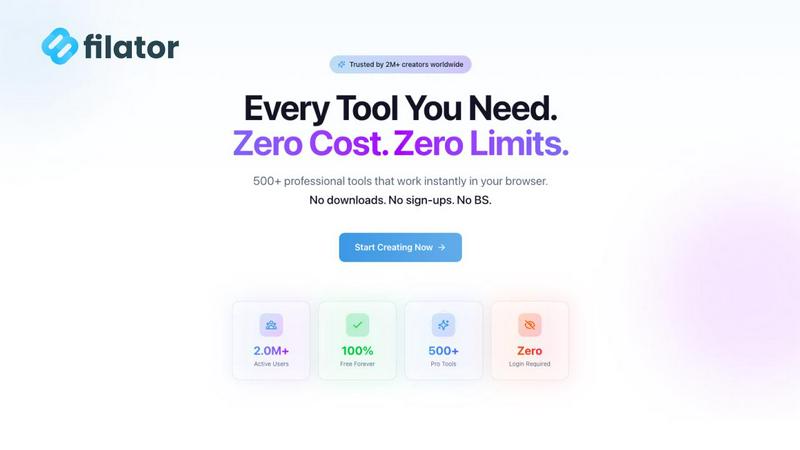
About Filator
Filator is the essential all-in-one digital workspace designed for professionals who seek to maximize productivity without compromise. This comprehensive platform houses over 500 online utilities that streamline the myriad tasks that often slow down developers, designers, marketers, and business users alike. With Filator, you can tackle everything from critical PDF processing and versatile image conversion across 132 formats to essential developer tools like JSON formatters and Base64 encoders. Its value proposition is crystal clear: professional-grade power delivered instantly without barriers. Filator eliminates mandatory signup walls and deceptive premium tiers that restrict access to basic functions. Additionally, it prioritizes user privacy with client-side processing that ensures your data remains secure on your device. With a thriving community of over 2 million users across 150 countries, Filator proves that you don't have to sacrifice speed, quality, or security for convenience. It is the indispensable toolkit for achieving real work faster and more efficiently.
Features of Filator
Instant Results
Filator provides users with immediate access to results, eliminating unnecessary waiting times. You can enjoy professional-grade output the moment you need it, complete with real-time previews for enhanced efficiency.
Zero Signup
With Filator, you can start using the tools instantly without the hassle of creating accounts or remembering passwords. There are no registration requirements, enabling you to focus solely on your tasks without any barriers.
Pro Quality Output
Every tool in Filator guarantees high-resolution, professional-grade results that are production-ready. You can export your work in multiple formats, ensuring that you have the flexibility needed for various applications and requirements.
Powerful Workflows
Filator allows you to automate repetitive tasks and chain tools together for streamlined workflows. This powerful feature saves you time and increases productivity, making it easier to manage complex projects efficiently.
Use Cases of Filator
PDF Processing for Businesses
Businesses can leverage Filator's extensive PDF tools for tasks such as merging, splitting, and compressing documents. This capability ensures that teams can collaborate seamlessly while managing critical business documents effectively.
Image Conversion for Designers
Designers can utilize Filator's image tools to convert and resize images effortlessly. With support for various formats, you can streamline your workflow and focus on creativity without the hassle of switching between different applications.
AI-Powered Content Creation
Marketers and content creators can take advantage of Filator's AI tools for generating structured essays, crafting professional emails, and summarizing YouTube videos. These features enhance productivity by automating content creation processes.
Social Media Management
Filator is an invaluable tool for social media managers who need to create engaging content quickly. With tools like the fake Instagram post generator and QR code creator, you can produce eye-catching graphics and drive engagement with minimal effort.
Frequently Asked Questions
What types of tools are available in Filator?
Filator offers a diverse range of tools categorized into AI tools, PDF tools, image tools, social media tools, QR & barcode tools, and more. This extensive selection ensures that users can find the right tool for any task they encounter.
Is Filator free to use?
Yes, Filator provides access to over 50 free tools with no hidden costs or mandatory subscriptions. Users can start using the platform immediately without any financial commitment.
How does Filator protect user privacy?
Filator prioritizes user privacy by employing client-side processing, which means that your data never leaves your device. This commitment ensures that your information remains secure and confidential.
Can I automate tasks in Filator?
Absolutely! Filator features powerful workflows that allow you to chain tools together and automate repetitive tasks. This functionality helps save time and enhances overall productivity for users managing complex projects.
Explore more in this category:
Similar to Filator


amaze.directory
Every AI tool here was opened and used on a real task before it went in. Free to submit.
benchmark.directory
We buy the tool, use it on real work for a week, then write down what the pricing page will not tell you. 146 listings so far.

saasgrow.ai
Growth software, filtered before you see it. Browse by problem, compare pricing, skip the twenty-tab research spiral.

Tools Network
Tools Network is a curated directory of the best AI tools across 25+ categories. Compare ratings, pricing, and features to find the right one, fast.To


Built2WinWeb AI Strength Scanner
Custom PHP websites, AI Indexing Pack ($599 one‑time), and WebAgentScan SaaS ($9/mo). MCP, A2A, llms.txt, full ownership.

SnapPChart
SnapPChart grades a trading chart screenshot A+ to F, with an entry, stop, targets, and risk/reward. Works on stocks, forex, crypto, futures.