
DubVid
DubVid localizes creator and educational media with AI voices, optional cloned voices, subtitles, and lip-sync.
Visit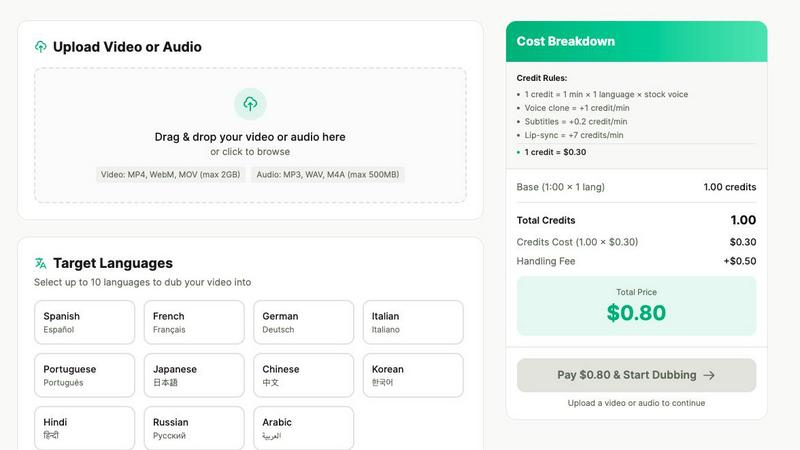
About DubVid
For a small team adapting an existing video library, DubVid offers a per-file workflow rather than a subscription-led description. Upload audio or video, select one or more target languages, choose a voice, and download localized files. Its stated use cases range from short-form social posts to courses, help-center walkthroughs, and podcasts.
The usage calculator helps reveal the trade-off between reach and feature depth. Base usage rises with minutes and languages; voice cloning, subtitles, and premium lip-sync add further credits. The page lists a free test of up to 60 seconds, which can be useful before committing a longer recording.
The page does not describe batch tools or collaboration features, so teams with review-heavy production should confirm whether it meets those needs. The product's described strengths are dubbing and localization rather than a full media-editing suite.
Features of DubVid
- Processes audio and video for selected target languages.
- Includes stock voice options and voice cloning.
- Optional subtitles and lip-sync for dubbed output.
- Calculator estimates credits based on duration and language count.
Use Cases of DubVid
- Expand short social videos to additional languages.
- Localize courses, tutorials, and webinars.
- Prepare customer-support and onboarding media by region.
- Release podcast episodes and interviews in other languages.
Frequently Asked Questions
Is DubVid subscription based?
The page says there are no subscriptions and describes a pay-as-you-go credit model.
How does language count affect usage?
The base rule counts one credit for each minute localized into one language, so additional languages add usage.
Can I add subtitles?
Yes. The calculator lists subtitles as an option adding 0.2 credits per minute.
Similar to DubVid

FoxyLab
FoxyLab turns product briefs or websites into editable marketing videos and banner sets through chat.
southparkmaker
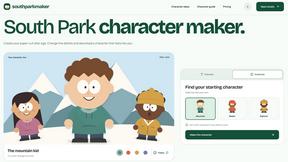
Build a South Park-inspired avatar with editable character presets, live preview, and PNG or SVG export.

AI Rap Video
Make a shareable rap video from a photo, with a choice of themed scenes and an original vocal track.
GetYouTubeTranscript
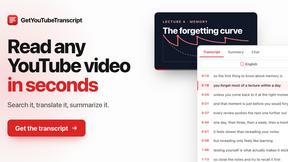
Convert YouTube captions into text for repurposing, with copy and subtitle downloads plus AI tools for developing content ideas.
LobbyClip
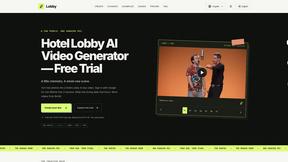
Create two-person AI performance videos from separate photos, with ready-made scenes and adjustable duration, aspect ratio, and resolution.
ScreenOtter
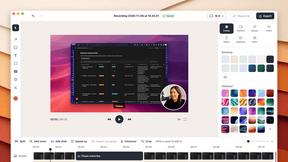
ScreenOtter helps Mac teams make polished software tutorials with editable captions, transcript-based cuts, screen annotations and shareable exports.

Tip Toeing in My Jordans AI
Make a 12-second Rumpelstiltskin tiptoe meme video from one or two photos, choosing vertical or widescreen format and 720p or 1080p output.
Pavo AI
Generate short videos and images from text with four model choices, output controls, and one credit balance.