
Proofapp vs Smallppt
Side-by-side comparison to help you choose the right tool.

Proofapp
Streamline your design feedback process with visual comments directly on your website, saving time and reducing.
Last updated: March 4, 2026

Smallppt instantly creates professional presentations from your ideas with AI.
Last updated: March 1, 2026
Visual Comparison
Proofapp

Smallppt
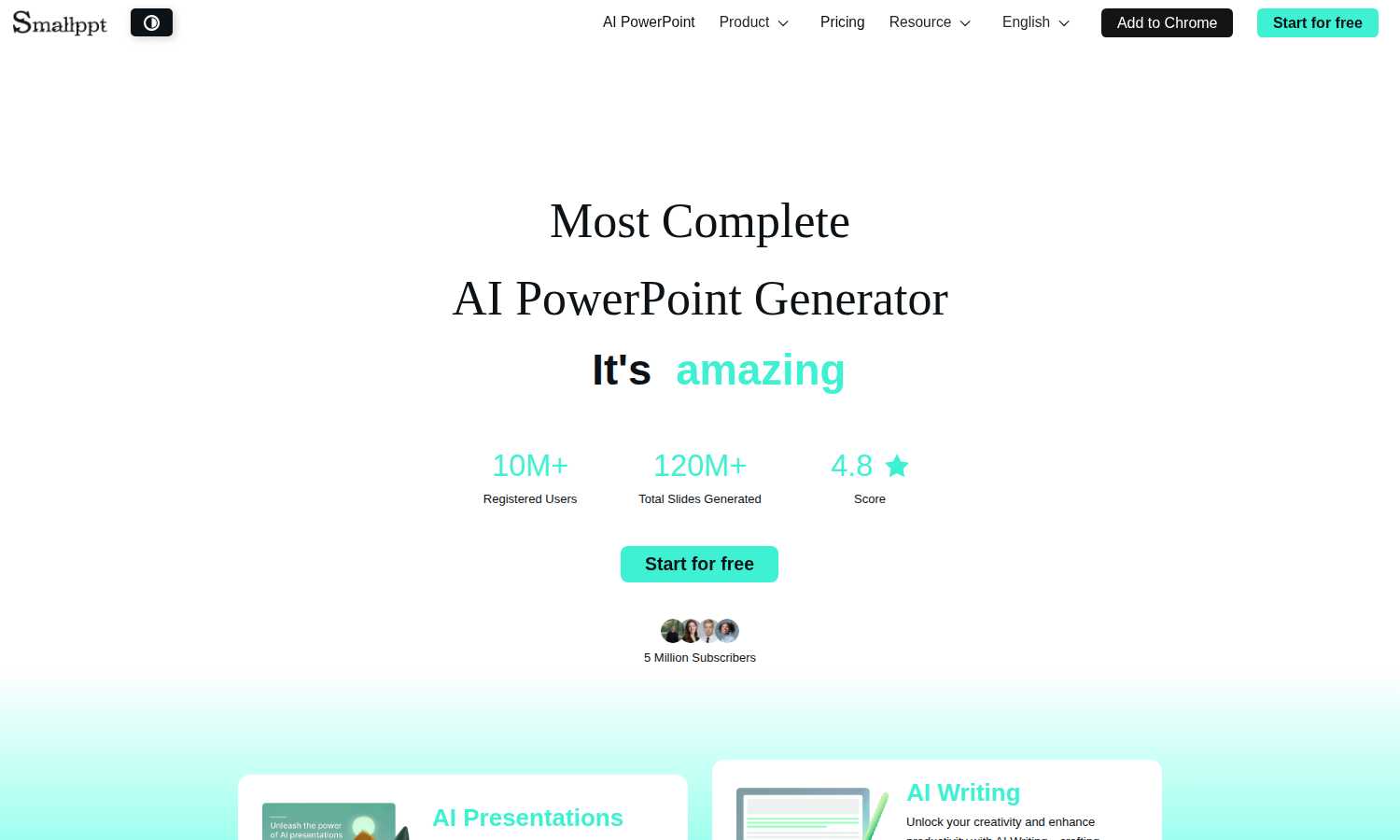
Feature Comparison
Proofapp
Visual Commenting
Proofapp allows users to click anywhere on a screenshot to leave contextual feedback, making it easy to specify exactly what needs to be revised. This feature eliminates confusion associated with textual descriptions, ensuring precise communication.
Multi-Breakpoint Testing
Automatically capture and review your website at various desktop and mobile breakpoints. This feature ensures that design and functionality are consistent across all devices, which is crucial for providing an optimal user experience.
Real-time Collaboration
Proofapp enables team members to see comments in real-time, fostering a collaborative environment. Users can reply to comments, resolve issues, and track project progress together without the need for constant refreshes or updates.
Secure Share Links
Generate secure, expirable links to share projects with clients. This feature provides a seamless way for clients to view and comment on designs while maintaining the security of your work, requiring no account for reviewers.
Smallppt
AI Slide Generator
This is the core, must-have feature. Simply provide a topic or idea, and with one click, the AI generates a complete presentation. It handles everything from structuring a logical flow to designing visually cohesive slides, delivering professional content in minutes. This eliminates the blank page problem and tedious preparation, allowing you to focus on delivery and refinement instead of starting from scratch.
Massive Template Library
Access a vast, professionally designed collection of slide templates covering industries from business to education. These ready-to-use templates are essential for instantly enhancing the visual appeal and credibility of any presentation. They save critical time on design, allowing you to focus solely on delivering your message with maximum impact and faster content delivery.
Real-Time Team Collaboration
An indispensable feature for any team. Collaborate with teammates in real time on the same presentation. Share, edit, and comment in sync to stay aligned and accelerate progress. This feature ensures clear, efficient, and secure teamwork, making it a necessity for coordinated project updates, client proposals, and group academic work.
AI Writer & Summarizer Tools
Unlock smarter workflows with integrated AI utilities. The AI Writer is essential for crafting and rewriting clear, compelling content in seconds, maintaining consistency and style. The AI Summarizer is a critical tool for quickly extracting key insights from lengthy documents or reports, turning them into concise, actionable summaries to inform your presentations.
Use Cases
Proofapp
Freelance Projects
Freelancers can utilize Proofapp to collect client feedback efficiently, pinning comments directly onto designs to avoid miscommunication. This leads to faster approvals and more productive workflows, saving time and enhancing professionalism.
Agency Workflows
Agencies managing multiple projects can leverage Proofapp to streamline client interactions. Visual feedback allows for clear communication and reduces the time wasted on revision cycles, ultimately improving client satisfaction and project delivery speed.
Design Teams
Design teams can benefit from Proofapp by receiving precise, visual feedback pinned right where it matters. This enables designers to make informed adjustments quickly, ensuring that the final product aligns with client expectations.
Marketing Campaign Reviews
Marketing teams can use Proofapp to review landing pages and campaigns with the entire team. By visualizing feedback, teams can collaborate on adjustments that enhance campaign effectiveness, all while keeping communication organized and efficient.
Smallppt
Last-Minute Business Presentations
When an urgent client meeting or internal review is called, there is no time for days of preparation. Smallppt is the essential solution. Marketing executives, managers, and consultants can input their core topic and generate a sleek, brand-ready deck in minutes, ensuring they walk into the room prepared and professional without the frantic all-night work session.
Academic & Student Projects
For university students and educators, creating visually compelling presentations for classes, thesis defenses, or research seminars is a constant requirement. Smallppt streamlines this process. Students can quickly turn complex reports into clear slides, while educators can build engaging lecture materials, all while maintaining a high standard of academic polish and saving invaluable time.
Team Project Coordination
Coordinating a single presentation across a distributed team is traditionally fraught with version chaos and delays. Smallppt's real-time collaboration tools make this process seamless and efficient. Team members can simultaneously edit, comment, and refine slides, ensuring everyone is on the same page and accelerating project timelines for pitches, reports, and strategy reviews.
Content Repurposing & Summarization
Professionals often need to distill lengthy reports, PDFs, or articles into presentation-friendly formats. Smallppt's import and AI summarization features are critical for this. Upload a document, and the AI extracts key content to generate a customized presentation. This is indispensable for turning dense information into clear, actionable slides for stakeholder updates.
Overview
About Proofapp
Proofapp is a premier visual feedback and website review platform designed to streamline collaboration between designers, developers, and clients. It allows users to upload any website URL, automatically capturing screenshots for both desktop and mobile views. With Proofapp, feedback becomes visual and actionable, eliminating the chaos of email chains and vague revision notes. Reviewers can pin comments directly onto the design, respond in threaded discussions, attach relevant files, and mark feedback as resolved—all without needing to create an account. This tool is ideal for freelancers seeking efficient client feedback or agencies managing multiple projects, as it offers real-time notifications, Slack integration, multi-page support, customizable accent colors, and a generous free tier. By centralizing feedback visually, Proofapp enhances productivity and ensures clear communication, making it an essential tool for anyone in the design and development space.
About Smallppt
Smallppt is the indispensable, AI-powered presentation software engineered to eliminate the most time-consuming and tedious aspects of slide creation. It is an absolute necessity for professionals, educators, students, and teams who must deliver high-impact presentations but cannot afford to waste hours on design, formatting, and structuring. The core value proposition is non-negotiable: speed and professional quality. By simply inputting a topic or importing a document, users command the AI to generate a complete, structured, and visually polished presentation in minutes, transforming a task that could take days into a streamlined process. Beyond generation, Smallppt serves as a comprehensive presentation ecosystem, featuring a massive library of professional templates, real-time collaboration tools for teams, and integrated AI utilities like an AI Writer and AI Summarizer. With over 10 million registered users and 120 million slides generated, it is the essential tool that guarantees you are always prepared, professional, and persuasive, directly addressing the critical demands of today's fast-paced work and academic environments.
Frequently Asked Questions
Proofapp FAQ
How does Proofapp improve collaboration?
Proofapp enhances collaboration by allowing users to pin visual comments directly on designs, facilitating clearer and more actionable feedback without the complications of traditional email chains.
Is there a free trial available for Proofapp?
Yes, Proofapp offers a 60-day free trial with full access and no credit card required. This allows users to explore all features and assess its value before committing.
Can clients provide feedback without creating an account?
Absolutely! Clients can leave comments on designs via secure share links without needing to create an account, making the feedback process seamless and user-friendly.
What security measures does Proofapp provide?
Proofapp offers enterprise-level security features, including role-based permissions, audit logs, and secure data handling, ensuring that your projects remain safe and confidential.
Smallppt FAQ
How does Smallppt generate a presentation?
You simply provide a text prompt describing your presentation topic or goal. Smallppt's advanced AI then analyzes this input to create a logically structured outline, generates relevant and coherent written content for each slide, and applies a professional visual design from its template library. The entire process is automated and completes in just a few minutes.
Can I use my own files to create a presentation?
Absolutely. This is a key feature. Smallppt supports importing various file types, including documents and PDFs. The AI will automatically analyze the uploaded file, extract the key points and data, and use that content to generate a structured, customized presentation, saving you from manual copying and pasting.
Is Smallppt suitable for team use?
Yes, team collaboration is a fundamental capability. Smallppt allows multiple users to work on the same presentation simultaneously in real time. You can share access, co-edit slides, and leave comments, which is essential for keeping team projects synchronized, efficient, and moving forward quickly without version control issues.
What makes Smallppt different from other presentation software?
Smallppt is distinguished by its complete, AI-first approach. While other tools provide blank slides or basic templates, Smallppt actively generates the entire presentation--structure, content, and design--from a simple prompt or file. Combined with its suite of AI tools (Writer, Summarizer) and real-time collaboration, it offers a uniquely comprehensive and efficient ecosystem for presentation creation.
Alternatives
Proofapp Alternatives
Proofapp is a visual feedback platform designed to streamline the review process for designers, developers, and clients. By allowing users to upload any website URL and automatically capturing screenshots for both desktop and mobile views, Proofapp enables direct commenting and collaboration in a way that eliminates the confusion associated with traditional feedback methods. This tool falls under the category of design tools, focusing on enhancing productivity and communication among team members. Users often seek alternatives to Proofapp for various reasons, such as pricing, specific feature sets, or compatibility with their existing workflows. As a result, it's crucial to evaluate alternatives based on factors like user interface, integration capabilities, and support for multiple projects. When choosing an alternative, prioritize tools that offer robust visual feedback functionality, ease of use, and flexibility to fit your unique needs.
Smallppt Alternatives
Smallppt is an essential AI-powered presentation software in the content creation and design tools category. It is the must-have solution for instantly generating professional, structured slides from a simple idea, eliminating the tedious work of manual design and formatting. Users often explore alternatives for critical reasons like specific budget constraints, the need for different feature sets, or compatibility with other platforms and workflows. Finding the right tool is a necessity for maintaining productivity. When evaluating an alternative, the priority must be on core functionality. Essential factors include the AI's capability to generate coherent content, the quality and scope of design templates, collaboration features for teams, and overall value for the investment. The goal is to secure a tool that meets your non-negotiable requirements for speed and professional output.