Movoria AI vs Prompt Builder
Side-by-side comparison to help you choose the right tool.

Movoria AI
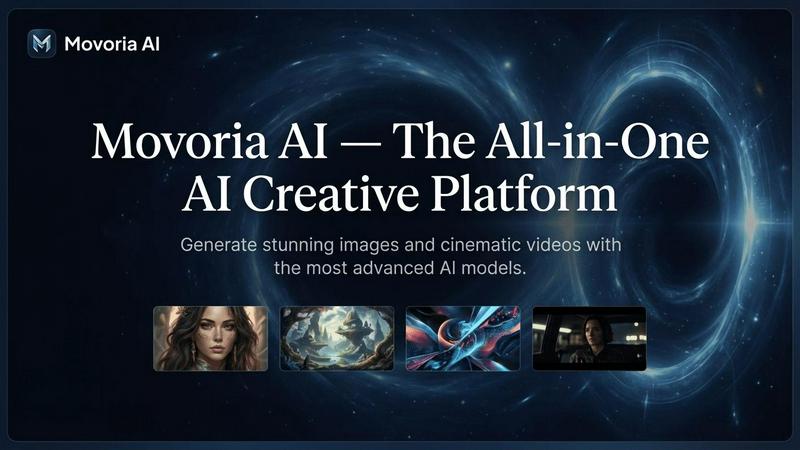
Movoria AI is the essential all-in-one platform for generating stunning AI images and cinematic videos.
Last updated: April 13, 2026

Prompt Builder
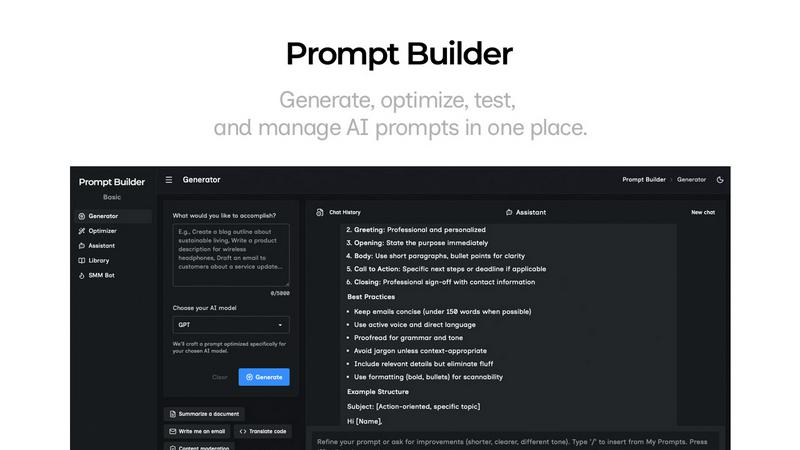
Generate, optimize, test, and manage AI prompts in one place. Turn an idea into a ready-to-use prompt in seconds.
Visual Comparison
Movoria AI
Prompt Builder
Overview
About Movoria AI
Movoria AI is the essential, all-in-one creative platform that consolidates the most advanced AI image and video generation tools into a single, powerful workspace. It eliminates the need to juggle multiple, disparate AI services by providing unified access to top-tier models like Nano Banana Pro for images and Veo 3.1 or Kling 3.0 for video. This platform is a necessity for creators, marketers, designers, and businesses who demand high-quality visual content at speed. Its core value proposition is delivering professional-grade, cinematic visuals directly from text descriptions, streamlining the entire content creation pipeline. From generating hyper-realistic product photos and marketing assets to producing dynamic video clips with synchronized audio, Movoria AI empowers users to transform ideas into stunning reality without requiring technical expertise or expensive production resources. It is the indispensable toolkit for anyone serious about leveraging AI to elevate their visual storytelling and content production.
About Prompt Builder
Prompt Builder is a prompt engineering workspace for writing, testing, and saving prompts. Describe the task in plain English, and it helps you create a prompt that matches the model you choose. Start with a draft, refine it in chat, save or pin versions, then run them when you are ready. It works with GPT, Claude, Gemini, Llama, Mistral, DeepSeek, Grok, Perplexity, and more. You also get an Optimizer, an assistant for quick tests, and a library of reusable prompts and templates from the community. Turn an idea into a ready-to-use prompt in seconds. Refine it in chat, save it to your Library, and run it anytime.