CleanPaste.org vs Prompt Builder
Side-by-side comparison to help you choose the right tool.

CleanPaste.org
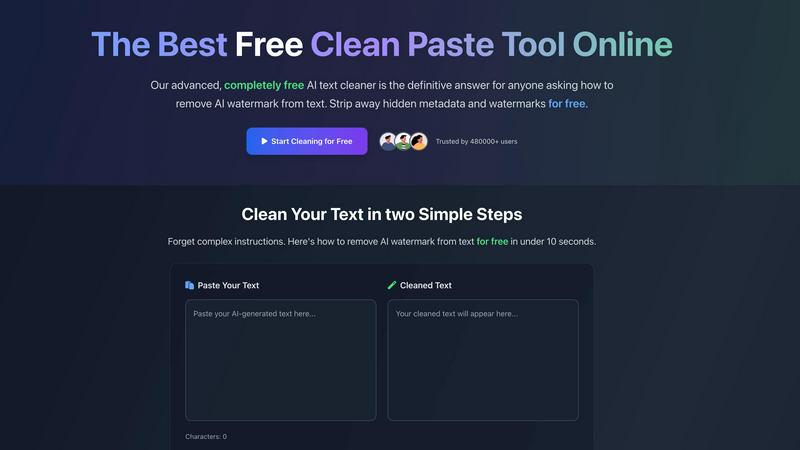
CleanPaste.org instantly removes invisible characters and AI watermarks from text, ensuring authentic and clean content.
Last updated: February 28, 2026

Prompt Builder
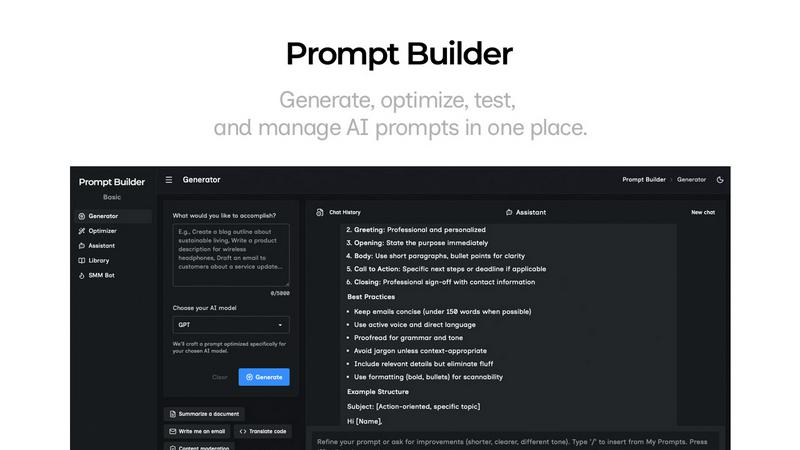
Generate, optimize, test, and manage AI prompts in one place. Turn an idea into a ready-to-use prompt in seconds.
Visual Comparison
CleanPaste.org
Prompt Builder
Overview
About CleanPaste.org
CleanPaste.org is an essential online tool that provides users with a streamlined and efficient method to remove invisible characters, hidden metadata, and AI watermarks from text. In an era where AI-generated content is becoming increasingly prevalent, users, including students, writers, and professionals, often grapple with the authenticity of their written work. CleanPaste.org addresses this critical issue by offering a completely free solution with no sign-up requirements or limitations. Users can effortlessly paste their text into the platform, and within seconds, the tool processes the content, eliminating any traces of AI involvement. By ensuring that text appears entirely human-written, CleanPaste.org enhances the originality and integrity of written work. With over 480,000 satisfied users, it stands as a trusted resource for anyone looking to maintain the authenticity of their content while preserving a natural tone.
About Prompt Builder
Prompt Builder is a prompt engineering workspace for writing, testing, and saving prompts. Describe the task in plain English, and it helps you create a prompt that matches the model you choose. Start with a draft, refine it in chat, save or pin versions, then run them when you are ready. It works with GPT, Claude, Gemini, Llama, Mistral, DeepSeek, Grok, Perplexity, and more. You also get an Optimizer, an assistant for quick tests, and a library of reusable prompts and templates from the community. Turn an idea into a ready-to-use prompt in seconds. Refine it in chat, save it to your Library, and run it anytime.