
MeloLingua vs YouTube to Transcript
Side-by-side comparison to help you choose the right tool.

MeloLingua
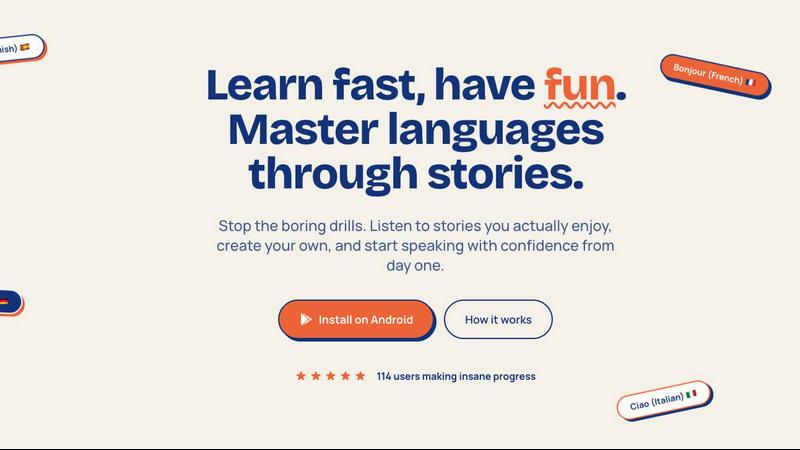
Learn languages through personal stories, gaining confidence in listening, speaking, and creating from day one.
Last updated: February 27, 2026

YouTube to Transcript
100% Free YouTube transcript extractor supporting translation in 125+ languages. No login or limits.
Visual Comparison
MeloLingua
YouTube to Transcript

Overview
About MeloLingua
MeloLingua is an innovative language learning app that uniquely centers on personal storytelling, creating a tailored experience that resonates with users. Rather than relying on traditional methods like rote memorization and repetitive drills, MeloLingua empowers learners to craft short, natural stories that draw from their own lives, interests, and experiences. This approach not only makes the learning process more engaging but also significantly enhances retention. Users can generate stories based on various aspects of their lives, such as hobbies, careers, daily routines, or aspirations. The app features native-level audio paired with synchronized text, allowing learners to tap on words for instant definitions and receive AI-driven feedback on their pronunciation. By prioritizing meaningful content over generic textbook scenarios, MeloLingua helps users build confidence in listening, improve their pronunciation, and develop a more natural speaking style. Learning becomes personal, enjoyable, and consistent, making it an essential tool for anyone looking to master a new language.
About YouTube to Transcript
YouTube-to-transcript.org is a powerful, web-based utility designed for content creators, students, and researchers. It allows users to instantly extract high-quality transcripts and subtitles from any YouTube video by simply pasting the URL. Key Features:• Completely Free: No hidden costs or premium tiers.• Multi-language: Supports translation into over 125 languages.• No Restrictions: No limits on video duration and no registration required.• Clean Formatting: Export transcripts for SEO, notes, or content repurposing.