
StudyPal vs YouTube to Transcript
Side-by-side comparison to help you choose the right tool.

StudyPal
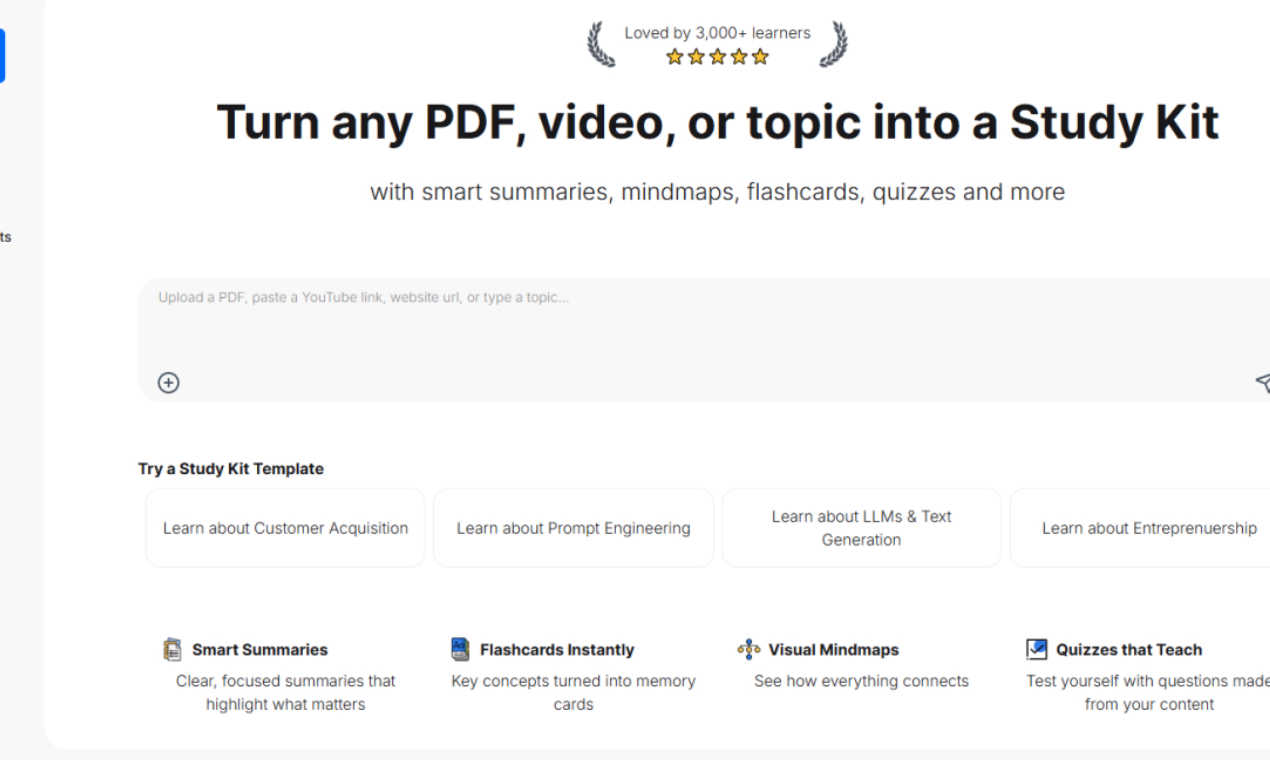
StudyPal instantly converts PDFs and videos into essential study tools like summaries, quizzes, and flashcards.
Last updated: March 1, 2026

YouTube to Transcript
100% Free YouTube transcript extractor supporting translation in 125+ languages. No login or limits.
Visual Comparison
StudyPal
YouTube to Transcript

Overview
About StudyPal
StudyPal is your essential AI-powered study companion designed to revolutionize how you learn. This innovative tool transforms various content formats—such as PDFs, YouTube videos, and typed topics—into comprehensive, interactive study kits. Each kit is meticulously crafted to include smart summaries that distill complex information into clear, concise insights. With visual mindmaps, StudyPal illustrates connections between concepts, making understanding easier. Engaging flashcards facilitate quick memorization, while auto-generated quizzes reinforce learning. A standout feature is the built-in AI tutor, providing instant answers to your questions, ensuring you grasp even the most challenging concepts. Whether you are a student preparing for exams, a professional acquiring new skills, or a lifelong learner seeking knowledge, StudyPal adapts to your unique needs and learning style. By saving you hours of note-taking and fostering improved retention through personalized learning paths, StudyPal is available anytime, anywhere, making it your ultimate study partner.
About YouTube to Transcript
YouTube-to-transcript.org is a powerful, web-based utility designed for content creators, students, and researchers. It allows users to instantly extract high-quality transcripts and subtitles from any YouTube video by simply pasting the URL. Key Features:• Completely Free: No hidden costs or premium tiers.• Multi-language: Supports translation into over 125 languages.• No Restrictions: No limits on video duration and no registration required.• Clean Formatting: Export transcripts for SEO, notes, or content repurposing.