
Crop Image vs Gomotion
Side-by-side comparison to help you choose the right tool.

Crop Image
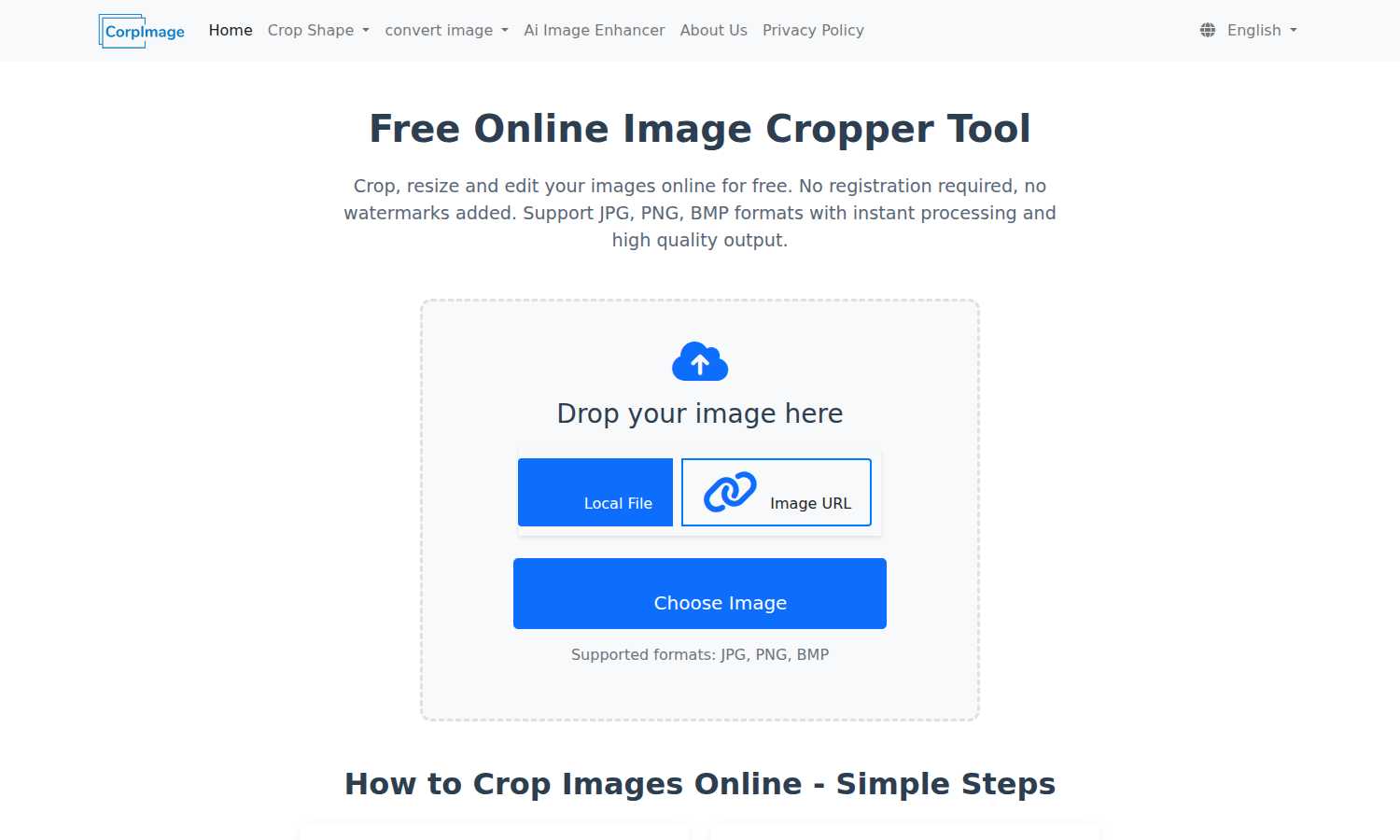
Crop Image is your essential online tool for free, fast, and watermark-free image cropping, resizing, and editing.

Gomotion
Gomotion transforms your ideas into stunning AI-generated motion graphics, perfect for creators and marketers alike.
Last updated: February 28, 2026
Visual Comparison
Crop Image
Gomotion

Feature Comparison
Crop Image
No Watermark
Crop Image guarantees that your images will be free from watermarks, ensuring that you receive clean and professional results every time. This feature is crucial for users who want their images to look polished, whether for professional use or personal enjoyment.
Multiple Cropping Shapes
The tool supports various cropping shapes including rectangular, circular, heart-shaped, and hexagonal crops. This flexibility allows users to choose creative formats that best fit their needs, enhancing the personalization of their images.
Intuitive Interface
With an easy-to-navigate design, Crop Image provides an intuitive interface that simplifies the cropping process. Users can effortlessly upload images, adjust crop areas, and fine-tune settings without requiring any technical expertise, making it accessible for everyone.
Local Processing and Privacy Protection
All image processing occurs within your browser, ensuring that your images remain secure and private. Users can crop and edit without the risk of their images being uploaded to external servers, maintaining complete control over their content.
Gomotion
Transform Words Into Motion
Gomotion allows users to animate text from simple prompts, eliminating the need for traditional keyframe techniques. Whether it's titles, captions, or logos, Gomotion instantly brings text to life with cinematic flair. This feature is perfect for product demos and creators seeking professional-quality animations without the hassle of complex software.
Discover the Narrative Mode
The Narrative Mode lets users create end-to-end ready-to-publish ads by turning scripts into full animated stories. This feature syncs images and videos seamlessly, enabling users to craft engaging advertisements or short videos in just minutes. It simplifies the storytelling process, making high-quality video production faster and easier than ever.
Design for Any Screen
Gomotion is built with versatility in mind, allowing users to create animations optimized for screens of all sizes, from mobile devices to desktop displays. Whether you are designing a product teaser for Instagram or a detailed presentation for a larger screen, your animations will look perfectly aligned and visually appealing across various platforms.
Complex Animations Made Simple
With Gomotion, creating complex animations such as charts and simulations becomes effortless. This feature is ideal for explainers, presentations, and simulations, allowing users to turn data into animated charts that enhance understanding and engagement. It empowers users to create impactful content that effectively communicates complex ideas.
Use Cases
Crop Image
Social Media Avatars
Crop Image is perfect for creating eye-catching social media avatars. Users can quickly crop their images into the desired shape, ensuring they stand out on platforms like Facebook, Instagram, or Twitter.
Professional Design Projects
For graphic designers, Crop Image offers a straightforward way to edit images for presentations or marketing materials. The ability to crop images to specific dimensions allows for seamless integration into any design project.
Personal Photo Editing
Individuals looking to enhance their personal photos can use Crop Image to trim away unwanted backgrounds or focus on specific subjects. This tool makes it easy to create memorable images for personal albums or gifts.
Creative Artwork
Artists and creators can utilize Crop Image for artistic purposes, such as cropping images into unique shapes for collages or digital artwork. This versatility encourages creativity and innovation in visual projects.
Gomotion
Marketing Campaigns
Gomotion is a game-changer for marketers looking to create eye-catching animations for their campaigns. Whether it is an animated ad for social media or a promotional video for a product launch, Gomotion enables marketers to produce high-quality content quickly, enhancing engagement and conversion rates.
Social Media Content Creation
For social media managers, Gomotion offers the perfect solution to generate compelling animated content that captures attention. From Instagram stories to TikTok videos, users can easily create animations that resonate with their audience, boosting brand visibility and interaction.
Educational Tools
Educators and trainers can leverage Gomotion to create engaging animated content that aids learning. By transforming complex concepts into animated explainers or interactive tutorials, Gomotion enhances the educational experience, making learning more enjoyable and effective.
Data Visualization
Businesses can utilize Gomotion to create animated charts and graphs that simplify data presentation. This feature is particularly valuable for reports and presentations, as it transforms raw data into visually appealing animations that make it easier for audiences to grasp critical insights.
Overview
About Crop Image
Crop Image is an essential online tool designed to empower users to crop, resize, and edit images with unparalleled ease. This innovative platform is tailored for anyone from casual users to professional designers who require quick and high-quality image processing without the hassle of registration or watermarks. The main value proposition lies in its user-friendly interface, allowing users to access a variety of cropping options and formats, including JPG, PNG, and BMP, all at no cost. With instant processing and high-quality output, Crop Image is the perfect solution for creating social media avatars, enhancing creative designs, or simply editing personal photos. Users can expect seamless functionality, ensuring that every image maintains its original quality while providing a clean and professional finish, making it a must-have tool for anyone working with images.
About Gomotion
Gomotion is an essential AI-powered motion design platform that revolutionizes how professionals and businesses create animated content. By bridging the gap between complex animation software and straightforward creative ideation, Gomotion empowers users to generate stunning, professional-grade brand animations with remarkable ease. Utilizing advanced artificial intelligence, Gomotion interprets text descriptions or uploaded image prompts, automatically converting them into fully realized motion graphics. It is an indispensable tool for modern content creators, marketers, social media managers, and small to medium-sized businesses that need high-impact visual content but often lack the time, budget, or specialized skills required for traditional software like Adobe After Effects. The core value proposition of Gomotion is clear: it democratizes high-end motion design, making it an accessible, must-have asset for anyone aiming to produce engaging video content at scale, without the steep learning curve or prohibitive production costs.
Frequently Asked Questions
Crop Image FAQ
What shapes are available for image cropping?
Crop Image supports a variety of cropping shapes, including rectangular, circular, heart-shaped, and hexagonal. This variety allows users to select different cropping options to suit their creative needs.
What output formats are available for the cropped images?
The cropped images can be saved in several popular formats, including JPG, PNG, and BMP. Users can choose their preferred format based on usage requirements, ensuring compatibility across different platforms.
How do I use different shapes to crop images?
To use different shapes, simply select the desired crop shape from the options available in the tool. You can then adjust the crop area accordingly, allowing for creative and personalized image results.
Why would I need different shaped image crops?
Different shaped image crops allow for more creative expression and customization. Whether for social media, design projects, or personal use, unique shapes can enhance visual appeal and engagement with your images.
Gomotion FAQ
How does Gomotion utilize AI in motion design?
Gomotion leverages advanced artificial intelligence to interpret user input, whether from text descriptions or image uploads, and automatically generates motion graphics. This drastically reduces the time and skill required for traditional animation processes.
Can I create animations for different platforms using Gomotion?
Yes, Gomotion is designed to create animations optimized for various screen sizes and platforms, ensuring that your content looks great on mobile devices, tablets, and desktops alike.
Is Gomotion suitable for beginners?
Absolutely! Gomotion is structured to be user-friendly, making it accessible for beginners who may not have experience with traditional animation software. Its intuitive interface and AI capabilities allow anyone to produce professional-grade animations.
What types of animations can I create with Gomotion?
With Gomotion, you can create a wide range of animations, including text animations, promotional videos, animated charts, and more. The platform's versatility makes it suitable for marketers, educators, and content creators alike.