
Crop Image vs Facejam
Side-by-side comparison to help you choose the right tool.

Crop Image
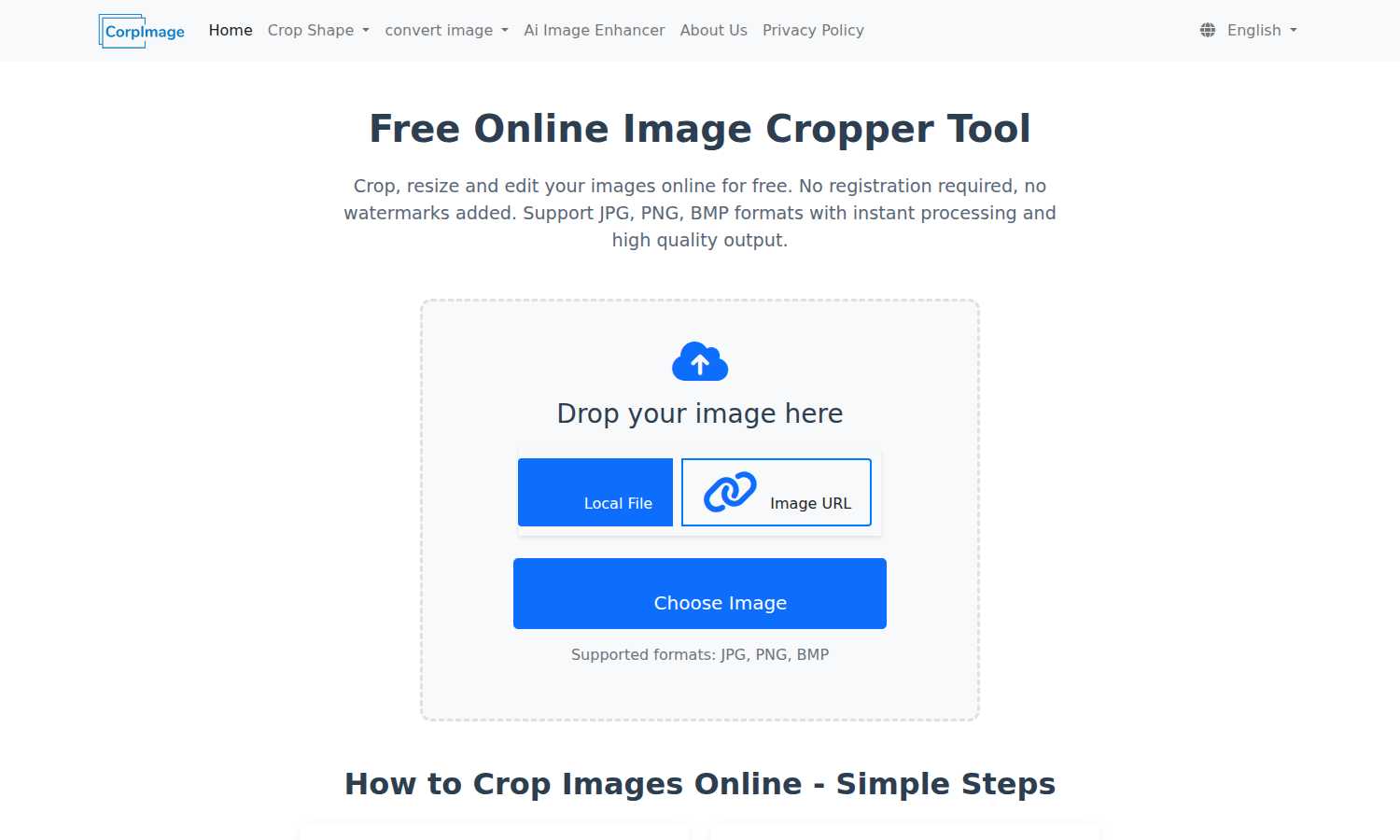
Crop Image is your essential online tool for free, fast, and watermark-free image cropping, resizing, and editing.

Facejam
Get professional AI headshots from your selfies instantly, no photographer needed.
Last updated: February 28, 2026
Visual Comparison
Crop Image
Facejam

Feature Comparison
Crop Image
No Watermark
Crop Image guarantees that your images will be free from watermarks, ensuring that you receive clean and professional results every time. This feature is crucial for users who want their images to look polished, whether for professional use or personal enjoyment.
Multiple Cropping Shapes
The tool supports various cropping shapes including rectangular, circular, heart-shaped, and hexagonal crops. This flexibility allows users to choose creative formats that best fit their needs, enhancing the personalization of their images.
Intuitive Interface
With an easy-to-navigate design, Crop Image provides an intuitive interface that simplifies the cropping process. Users can effortlessly upload images, adjust crop areas, and fine-tune settings without requiring any technical expertise, making it accessible for everyone.
Local Processing and Privacy Protection
All image processing occurs within your browser, ensuring that your images remain secure and private. Users can crop and edit without the risk of their images being uploaded to external servers, maintaining complete control over their content.
Facejam
100+ Professional Style Templates
Facejam offers an extensive and ever-growing library of over 100 professionally designed style templates. This feature is critical for finding the perfect look that matches your industry's standards, from corporate boardroom elegance to creative studio vibes. New templates are added daily, ensuring you always have access to the latest trends in professional photography without any extra cost or effort.
Studio-Quality Realistic Results
The AI technology is specifically engineered to produce headshots that are indistinguishable from those taken in a physical studio. This is essential for maintaining professionalism and credibility. The results avoid common AI pitfalls like unnatural artifacts, ensuring your photos look authentic, polished, and perfectly retouched, which is a must-have for any serious business application.
Rapid Generation in Minutes
Time is a critical resource, and Facejam respects that. The entire process—from upload to download—takes just minutes. This feature eliminates the weeks of scheduling, shooting, and editing required with a traditional photographer. You get professional results faster than you could commute to a studio, making it an indispensable tool for urgent needs like job applications or website launches.
Private, Secure, and Full Ownership
Your privacy and ownership are paramount. Facejam uses your uploaded photos solely to train the AI model for your specific session; they are never used to improve the public model or for any other user. Most importantly, you retain full commercial license and complete ownership of all generated AI photos, which is a non-negotiable requirement for using your image professionally across all platforms.
Use Cases
Crop Image
Social Media Avatars
Crop Image is perfect for creating eye-catching social media avatars. Users can quickly crop their images into the desired shape, ensuring they stand out on platforms like Facebook, Instagram, or Twitter.
Professional Design Projects
For graphic designers, Crop Image offers a straightforward way to edit images for presentations or marketing materials. The ability to crop images to specific dimensions allows for seamless integration into any design project.
Personal Photo Editing
Individuals looking to enhance their personal photos can use Crop Image to trim away unwanted backgrounds or focus on specific subjects. This tool makes it easy to create memorable images for personal albums or gifts.
Creative Artwork
Artists and creators can utilize Crop Image for artistic purposes, such as cropping images into unique shapes for collages or digital artwork. This versatility encourages creativity and innovation in visual projects.
Facejam
LinkedIn Profile & Resume Enhancement
A standout LinkedIn profile photo is no longer optional; it's a necessity for career advancement and networking. Facejam provides the polished, approachable, and professional headshot required to make a powerful first impression on recruiters, hiring managers, and industry peers, directly impacting your perceived credibility and employability.
Corporate Team Page & Directory Photos
For businesses, maintaining a consistent and professional visual identity across team pages, company directories, and investor pitch decks is essential. Facejam enables entire teams to get uniform, high-quality headshots without coordinating expensive and time-consuming group photoshoots, ensuring every member looks their part.
Personal Branding for Entrepreneurs & Coaches
Entrepreneurs, coaches, and consultants must project expertise and trustworthiness across their website, social media, and marketing materials. Facejam is the vital tool for creating a cohesive suite of professional portraits that strengthen your personal brand, build authority, and connect with your target audience effectively.
Industry-Specific Professional Portraits
Different professions demand different visual cues. A realtor's headshot differs from a lawyer's or a creative director's. Facejam's tailored styles are a must-have for professionals who need to instantly communicate their specific role and industry standards, ensuring they look the part for their clients and colleagues.
Overview
About Crop Image
Crop Image is an essential online tool designed to empower users to crop, resize, and edit images with unparalleled ease. This innovative platform is tailored for anyone from casual users to professional designers who require quick and high-quality image processing without the hassle of registration or watermarks. The main value proposition lies in its user-friendly interface, allowing users to access a variety of cropping options and formats, including JPG, PNG, and BMP, all at no cost. With instant processing and high-quality output, Crop Image is the perfect solution for creating social media avatars, enhancing creative designs, or simply editing personal photos. Users can expect seamless functionality, ensuring that every image maintains its original quality while providing a clean and professional finish, making it a must-have tool for anyone working with images.
About Facejam
Facejam is the essential AI-powered headshot generator designed for professionals who need a high-quality, polished image without the traditional hassle and expense. It transforms ordinary selfies into studio-grade professional portraits in minutes. This tool is a necessity for anyone building a personal brand, applying for jobs, or representing a company online. By uploading a few photos of yourself and selecting from a vast library of over 100 curated styles, you can generate realistic, retouched headshots that look like they came from a professional photographer's studio. Facejam eliminates the need to schedule photoshoots, commute to a studio, or pay hundreds of dollars for a single session. It is built for realtors, consultants, founders, lawyers, creatives, and corporate teams who require industry-specific looks that convey credibility and professionalism instantly. With guaranteed high-resolution results and full ownership of your images, Facejam is the non-negotiable modern solution for professional visual identity.
Frequently Asked Questions
Crop Image FAQ
What shapes are available for image cropping?
Crop Image supports a variety of cropping shapes, including rectangular, circular, heart-shaped, and hexagonal. This variety allows users to select different cropping options to suit their creative needs.
What output formats are available for the cropped images?
The cropped images can be saved in several popular formats, including JPG, PNG, and BMP. Users can choose their preferred format based on usage requirements, ensuring compatibility across different platforms.
How do I use different shapes to crop images?
To use different shapes, simply select the desired crop shape from the options available in the tool. You can then adjust the crop area accordingly, allowing for creative and personalized image results.
Why would I need different shaped image crops?
Different shaped image crops allow for more creative expression and customization. Whether for social media, design projects, or personal use, unique shapes can enhance visual appeal and engagement with your images.
Facejam FAQ
How does your AI headshot generator work?
Facejam operates in two essential steps. First, you upload a series of clear selfies following our guidelines. Second, you select from our vast library of professional style templates. Our AI then generates a pack of studio-quality headshots based on your likeness and chosen style. The process is designed for maximum efficiency and requires no technical expertise.
What do you do with my uploaded photos?
Your uploaded photos are used exclusively to teach the AI model what you look like for that single generation session. This data is crucial for creating accurate and realistic photos. We do not use your photos to train or improve our general AI model, and they are never shared or used to contribute to another person's generated images.
How many good photos can I expect?
While results can vary, Facejam guarantees at least one high-quality, usable image in every generation pack. Users who carefully follow the upload instructions regarding photo quality, lighting, and angles often receive between 5 to 10+ exceptional keeper photos suitable for various professional purposes.
Who owns my AI photos?
You own your AI-generated photos completely. Facejam grants you a full commercial license, meaning you have the absolute right to use the photos anywhere—on LinkedIn, your company website, marketing materials, resumes, and social media—without any restrictions or ongoing fees.